

WhatsApp security update Android is the kind of release most people ignore until it’s too late, but Meta’s latest disclosure is a strong reminder that messaging apps are a prime target. Meta says it has patched two WhatsApp vulnerabilities that affected multiple platforms, including Windows, Android, and iOS. The company classed both issues as medium severity and added that it has seen no evidence of real-world exploitation so far. Still, the safest move is obvious: update WhatsApp immediately, especially if you frequently receive files, photos, or videos from unknown numbers or large group chats.
One of the flaws involved WhatsApp for Windows and centered on attachment spoofing—where a file can appear harmless but behave like something else when opened. The other bug affected WhatsApp on Android and iOS and was linked to improper validation of certain media messages, potentially allowing external content to be loaded and handled by the system in unintended ways.
Even if those descriptions sound technical, the user takeaway is simple: a WhatsApp security update Android is not optional if you care about protecting your phone, your accounts, and the sensitive information inside your chat history.
What Meta disclosed: two WhatsApp bugs with CVE IDs
Meta’s disclosure lists two vulnerabilities identified through its bug bounty program, both of which have been fixed in earlier WhatsApp updates. They are tracked as:
- CVE-2026-23863 (WhatsApp for Windows)
- CVE-2026-23866 (WhatsApp for Android and iOS)
Meta has not said these were exploited in active attacks, but disclosures like this often come after researchers demonstrate realistic abuse scenarios. When a platform publishes CVEs, it’s typically because the bug is credible, reproducible, and significant enough to document publicly.
That’s why a WhatsApp security update Android matters even when companies say “no evidence of exploitation.” Lack of evidence isn’t proof of safety—it usually just means no confirmed cases have been detected yet.
WhatsApp for Windows: what attachment spoofing means in real life
CVE-2026-23863 affects WhatsApp on Windows and is described as an attachment spoofing issue. In plain terms, attachment spoofing is when a file:
- looks like a safe document (for example, a PDF or image), but
- actually behaves like a program or executable when opened
The danger here is social engineering. Attackers don’t need to “hack” you if they can convince you to open something. A spoofed attachment lowers your guard because it appears to be the type of file you open every day.
Why should Android users care if this is a Windows bug? Because WhatsApp is cross-platform. Many people use WhatsApp on their phone and Windows laptop, and they forward files between devices. A Windows flaw can become part of an attack chain that starts in a chat and ends with malware on a PC.
In short: the WhatsApp security update Android is important, but so is updating your desktop WhatsApp client if you use it.
WhatsApp on Android and iOS: the media validation bug explained
CVE-2026-23866 affects WhatsApp on Android and iOS and is tied to improper validation of certain media messages. Meta’s description suggests that crafted media could cause WhatsApp to load external content onto the device and then interact with system-level handlers.
You don’t need to be a security analyst to understand the risk pattern here. Media handling bugs in messaging apps are frequently serious because:
- media is processed constantly (images, videos, stickers, previews)
- users receive media in large volumes
- group chats and unknown numbers increase exposure
- system-level handlers (viewers, codecs, parsers) can be complex and fragile
While Meta labeled the issue “medium,” the impact can vary depending on device configuration, Android version, and which apps or handlers are installed. That’s why applying the WhatsApp security update Android quickly is smart: you reduce the window where attackers could test the bug in the wild.
Why “no evidence of exploitation” still means you should update
Security disclosures often include the phrase “no evidence of exploitation.” Users read that and assume it’s safe to delay. In reality, delays are exactly what attackers rely on.
Once CVE details are public, the ecosystem changes:
- researchers analyze the bug more deeply
- proof-of-concept code may circulate privately
- threat actors watch update adoption rates
- unpatched users become higher-value targets
The purpose of a WhatsApp security update Android is to close the gap before that happens. If you update now, you’re ahead of the curve.
How to update WhatsApp safely (Android, iPhone, Windows)
Here’s the quickest path to make sure you’re protected.
Android
- Open Google Play Store
- Search WhatsApp
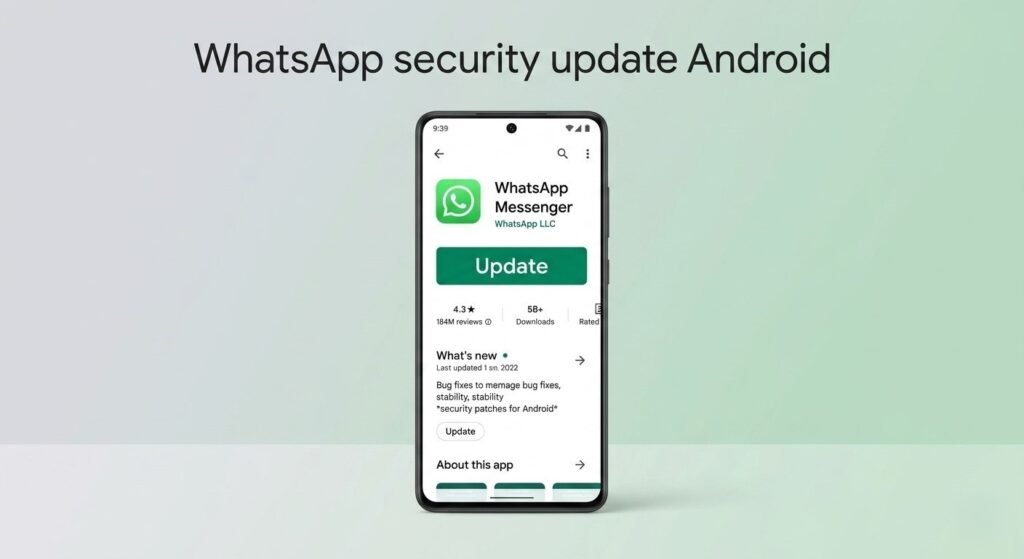
- Tap Update
- Restart WhatsApp (or restart your phone if you want to be extra safe)
iPhone
- Open the App Store
- Search WhatsApp
- Tap Update
Windows
If you use WhatsApp on Windows, update via:
- Microsoft Store (for the Store version), or
- WhatsApp’s official download channel, depending on your install
Do not download “WhatsApp update” files from random websites. That’s exactly how people get tricked by fake installers.
Extra safety tips while WhatsApp security update Android rolls out
Even after updating, basic hygiene helps. Consider these habits:
- Don’t open unexpected attachments—even from known contacts—without context
- Be cautious with files shared in large groups
- Disable auto-download for media in WhatsApp settings if you’re frequently in spammy groups
- Keep Android security updates current
- Avoid sideloading WhatsApp “mods” or unofficial clients
Unofficial clients are especially risky. They may not receive timely security patches, and they can introduce their own vulnerabilities.
Bottom line
A WhatsApp security update Android is available that patches two disclosed vulnerabilities affecting Android, iOS, and Windows. One bug involves attachment spoofing on Windows; the other relates to media validation on Android and iOS. Meta says there’s no evidence of active exploitation, but that shouldn’t be your reason to wait—if anything, it’s your cue to update before attackers start probing.
If you do one thing today, do this: update WhatsApp on every device you use it on. Messaging apps are too central to daily life to leave unpatched.
