

Samsung Good Lock Update Adds Powerful New Features
Samsung is rolling out a major Samsung Good Lock update, introducing deeper customization tools and smarter notification management across Galaxy smartphones. The latest improvements focus on two of the suite’s most popular modules — Keys Cafe and NotiStar — delivering enhanced personalization, better performance, and tighter integration with Samsung’s One UI software.
For Galaxy users who rely on Good Lock to customize their Android experience, this update reinforces Samsung leadership in offering system-level personalization that goes far beyond stock Android capabilities.
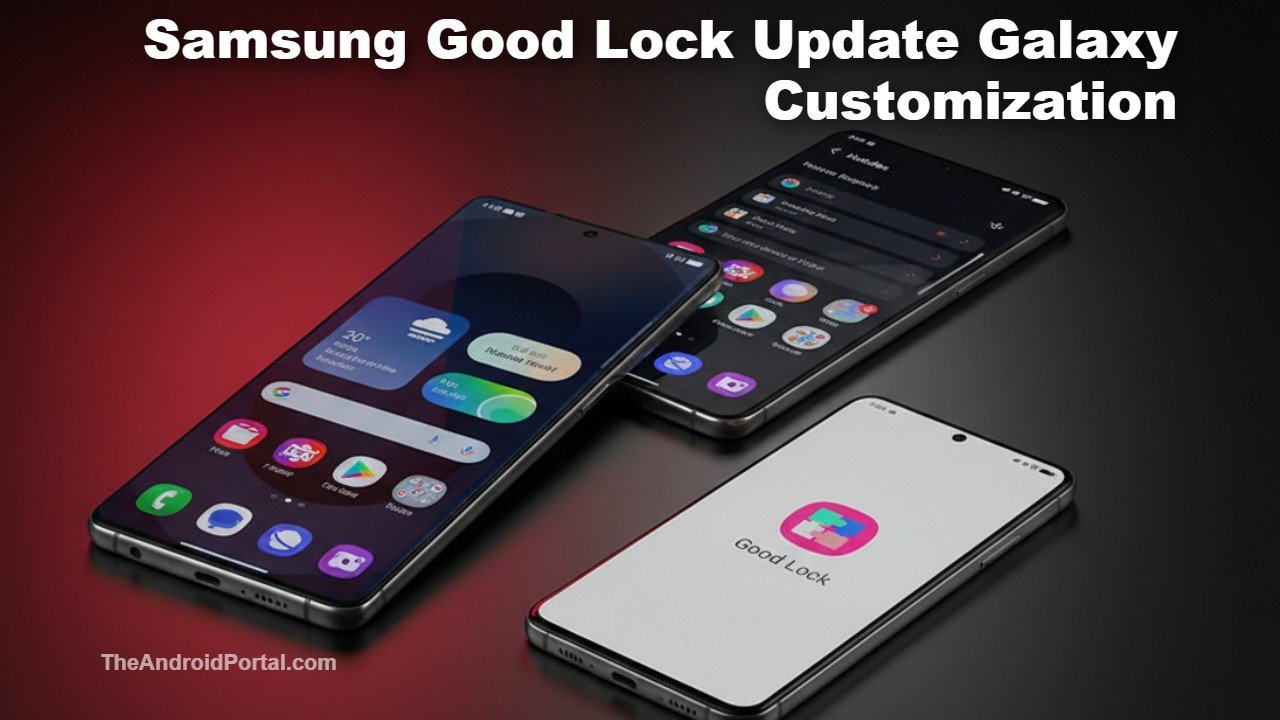
Samsung Good Lock Update Enhances Keyboard Customization With Keys Cafe
One of the biggest highlights of the Samsung Good Lock update is the improved Keys Cafe module, which allows users to fully redesign their keyboard interface. With this release, Samsung is introducing new design controls and more precise customization options that give users greater flexibility.
Key new features in Keys Cafe include:
- “Apply Effects Only” option: Lets users apply visual effects without resetting existing keyboard layouts or configurations
- New keyboard presets: Expanded theme designs and dynamic backgrounds for a more personalized typing experience
- Gesture-based controls: Assign custom actions to swipes and taps, improving typing efficiency
- Improved stability: Fixes previous issues where keyboard customizations would occasionally reset
These enhancements allow Galaxy users to fine-tune everything from key animations to visual styles, making Keys Cafe one of the most powerful keyboard customization tools available on Android.
Unlike traditional keyboard apps, Keys Cafe integrates directly into Samsung’s One UI framework, ensuring smooth performance and system-level compatibility.
NotiStar Improvements Deliver Smarter Notification Management
The Samsung Good Lock update also brings major improvements to NotiStar, Samsung’s advanced notification management module. Designed to help users organize alerts more efficiently, the updated NotiStar now offers faster performance and expanded notification filtering options.
Notable improvements in NotiStar include:
- Support for work profiles and dual apps: Notifications from separate profiles can now be managed independently
- Secure Folder compatibility: Allows better separation of private and work notifications
- Reduced app freezing and lag: Improved performance and reliability
- Cleaner notification sorting: Helps users quickly find important alerts
These upgrades are particularly valuable for users managing multiple accounts or work-related notifications on their Galaxy devices.
NotiStar effectively turns Android’s notification system into a searchable, organized hub — offering significantly more control than the default Android notification panel.
Optimized for One UI and Modern Galaxy Devices
Samsung has optimized this Samsung Good Lock update for devices running One UI 5 and newer versions, ensuring seamless compatibility with Android latest notification controls and system features.
This optimization brings several benefits:
- Better integration with Android notification permissions
- Faster module performance across newer Galaxy devices
- Improved compatibility with recent Galaxy flagships and mid-range models
- Reduced bugs and smoother animations
The update also improves overall stability across older Galaxy smartphones, ensuring a consistent customization experience regardless of device age.
This aligns with Samsung’s broader strategy of extending software longevity — a key competitive advantage against other Android manufacturers.
Why Good Lock Remains a Major Advantage for Samsung
Samsung Good Lock has evolved into one of the most powerful customization platforms in the Android ecosystem. Unlike third-party launchers or customization apps, Good Lock works directly with system components.
This allows deeper control over core features such as:
- Lock screen layout and widgets
- Notification panel appearance
- Keyboard design and behavior
- Multitasking interface
- Gesture navigation customization
This level of flexibility gives Samsung Galaxy users a unique advantage over other Android devices, including Google Pixel phones, which offer a more limited native customization framework.
With the latest Samsung Good Lock update, Samsung continues to differentiate One UI as one of the most customizable Android skins available.
Samsung’s Software Strategy Focuses on Personalization and Productivity
Samsung’s continued investment in Good Lock highlights its commitment to enhancing user experience beyond hardware improvements. As smartphones reach hardware maturity, software personalization and usability are becoming key differentiators.
By expanding Good Lock’s capabilities, Samsung strengthens its ecosystem appeal — especially among power users and enthusiasts who value customization.
For users looking to explore or download Good Lock, Samsung provides official access via the Galaxy Store, where modules can be installed individually.
As Android evolves with AI-driven features and smarter system controls, customization tools like Good Lock ensure Galaxy devices remain flexible and adaptable to individual user preferences.
