
Phone charging port loose fix is something millions of Android users search for every day. Your charging cable used to snap in firmly and stay connected. Now it wobbles, falls out at the slightest movement, or only charges when held at a specific angle. Sometimes the phone charges intermittently. Sometimes it stops recognising the cable altogether.
The encouraging news is that a loose charging port is not always a hardware failure. In fact, the most common cause is something entirely fixable at home in under five minutes — and it requires no tools, no technical knowledge, and no repair shop visit.
This guide explains every cause of a loose charging port, gives you eight fixes to work through in order, and tells you clearly when the problem requires professional attention versus when you can resolve it yourself.
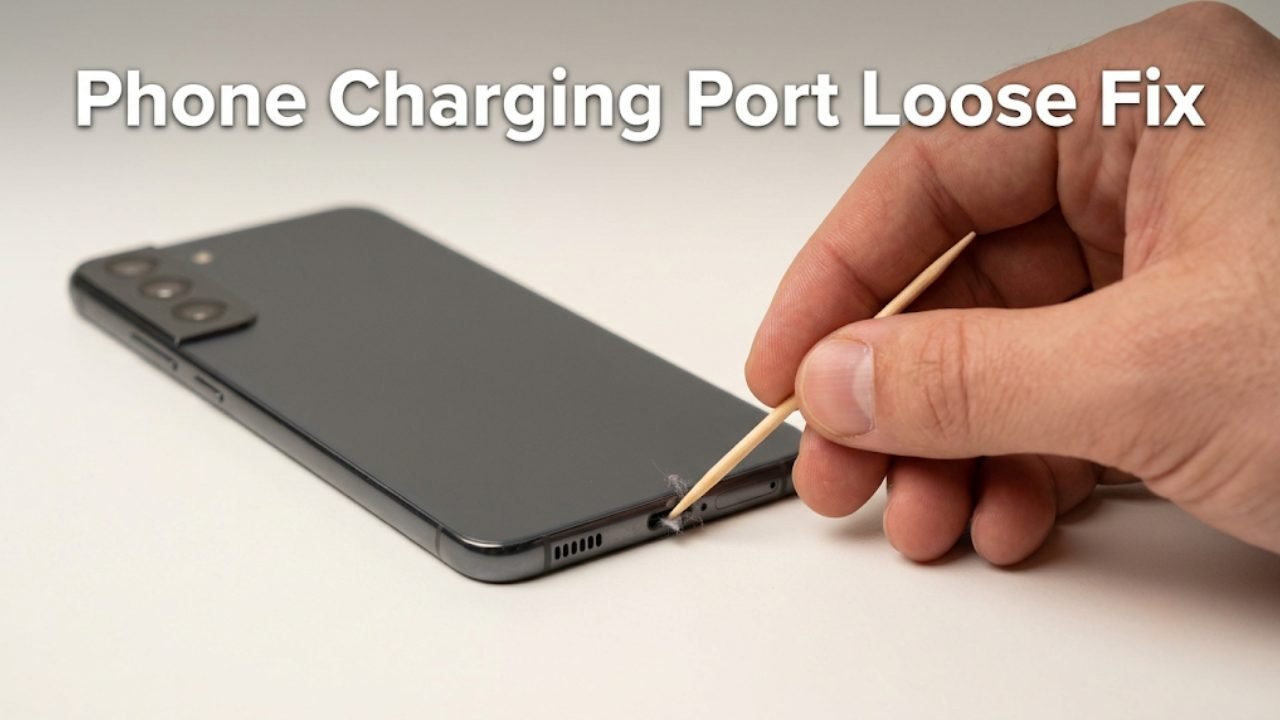
Why Does a Phone Charging Port Feel Loose?
Before applying any fix, understanding what makes a charging port feel loose helps you identify the correct solution immediately.
| Cause | Type | How Common |
|---|---|---|
| Lint and debris compacted in the port | Fixable at home | Very common |
| Worn or damaged charging cable | Cable issue | Very common |
| Port connector pins bent inward | Careful home fix | Common |
| Physical damage from drop or force | Hardware | Less common |
| Port solder joints weakened | Hardware | Less common |
| USB-C port retention clip worn | Hardware | Less common |
The single most common cause — and the one most users never consider first — is lint and debris packed into the bottom of the charging port. Over months of daily use, pocket lint, dust, and fine fibers compact at the bottom of the port. This layer of debris prevents the cable from inserting fully, making the connection feel loose and unreliable even though the port itself is completely undamaged.
Fix 1 — Clean the Charging Port
This is the most important fix to try first, and it resolves the loose charging port problem for a significant number of users who try it.
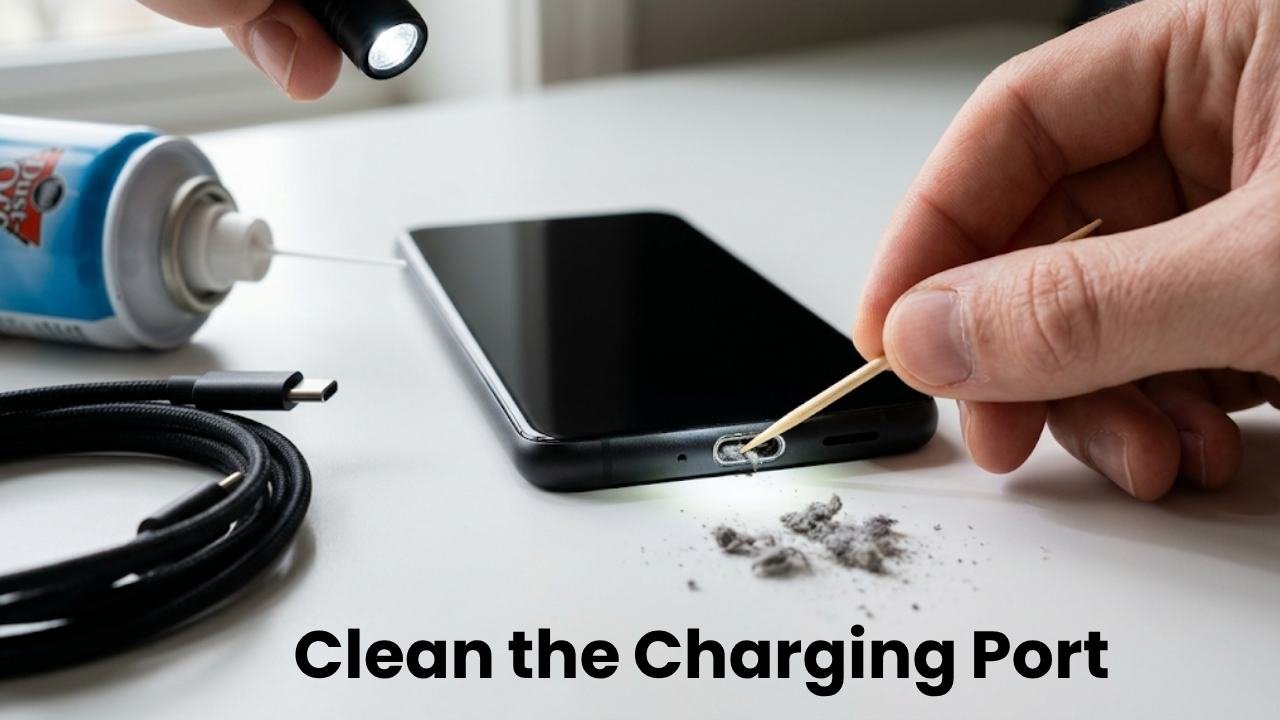
When lint compacts at the bottom of a USB-C or Micro-USB port, the charging cable cannot insert to its full depth. The cable sits higher than it should, the connection contacts do not engage properly, and the whole assembly feels wobbly. The port is not loose — the cable simply cannot reach where it needs to be.
What you need:
- A wooden toothpick or a non-metallic thin tool
- A bright light source (flashlight or good phone torch)
- Optional: compressed air can
How to clean the charging port safely:
- Power off the phone completely before doing anything inside the port
- Shine a bright light directly into the charging port and look inside — if you see grey or dark fibrous material at the bottom, that is compacted lint
- Insert a wooden toothpick gently into the port — wood is safe because it cannot conduct electricity or scratch metal contacts
- Use gentle scraping motions along the bottom of the port to loosen the compacted lint
- Work carefully around the edges — do not push debris deeper or apply excessive force
- Remove loosened debris with the toothpick or by gently blowing into the port
- If using compressed air, hold the can upright and use short gentle bursts — do not use continuous high pressure which can damage components
- Shine the light in again and repeat until no visible debris remains
- Power the phone back on and test the charging cable
What NOT to use:
- Metal tools, pins, or needles — these can scratch contacts and cause shorts
- Cotton swabs — the cotton fibers separate and add more debris to the port
- Water or liquid cleaners — moisture damage is worse than lint
Many users who apply the phone charging port loose fix through cleaning report that their cable clicks in firmly and charges reliably again immediately after removing the compacted debris.
Fix 2 — Try a Different Charging Cable
Before concluding that your charging port is genuinely loose, test the port with a different cable.
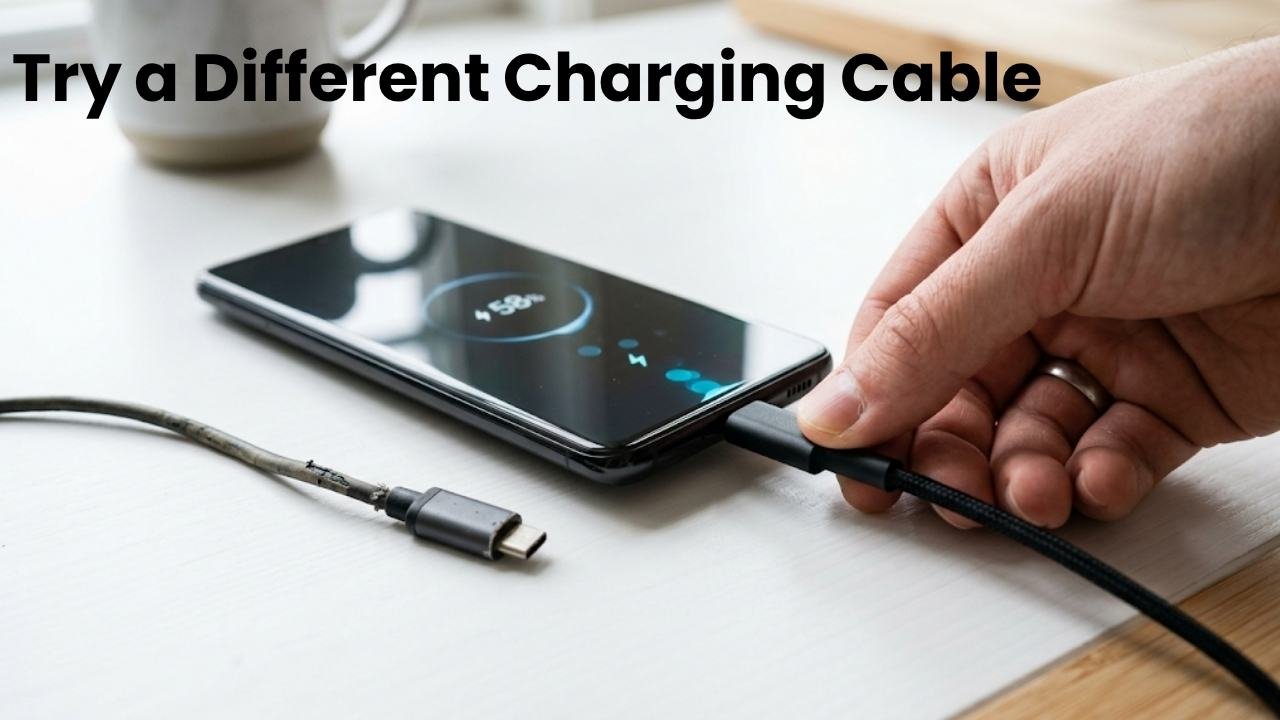
Charging cables wear out. The USB-C or Micro-USB connector at the end of the cable experiences thousands of insertion and removal cycles over its lifetime. The connector housing can become slightly wider than its original specification, the retention clips inside wear down, or the connector body develops slight deformation from being pulled out at angles.
A worn cable fits loosely in a port that holds a newer cable firmly. If the port feels tight and secure with a different cable but loose with your regular cable, the cable is the problem — not the port.
How to test:
- Borrow or locate a different charging cable of the same connector type
- Insert it into your charging port
- Assess whether it fits more firmly than your regular cable
- Check whether charging is stable and consistent with the replacement cable
If the new cable fits well and charges reliably, the phone charging port loose fix is simply replacing your worn cable. This is the most cost-effective possible solution.
Fix 3 — Inspect and Gently Realign Bent Connector Pins
Inside a USB-C or Micro-USB port, there are small metal pins and contact surfaces that engage with the corresponding contacts on the charging cable. If one or more of these pins has been bent — by inserting a cable at an angle, by a drop, or by using excessive force — the connection becomes unreliable and the cable may feel loose because it is not engaging correctly.
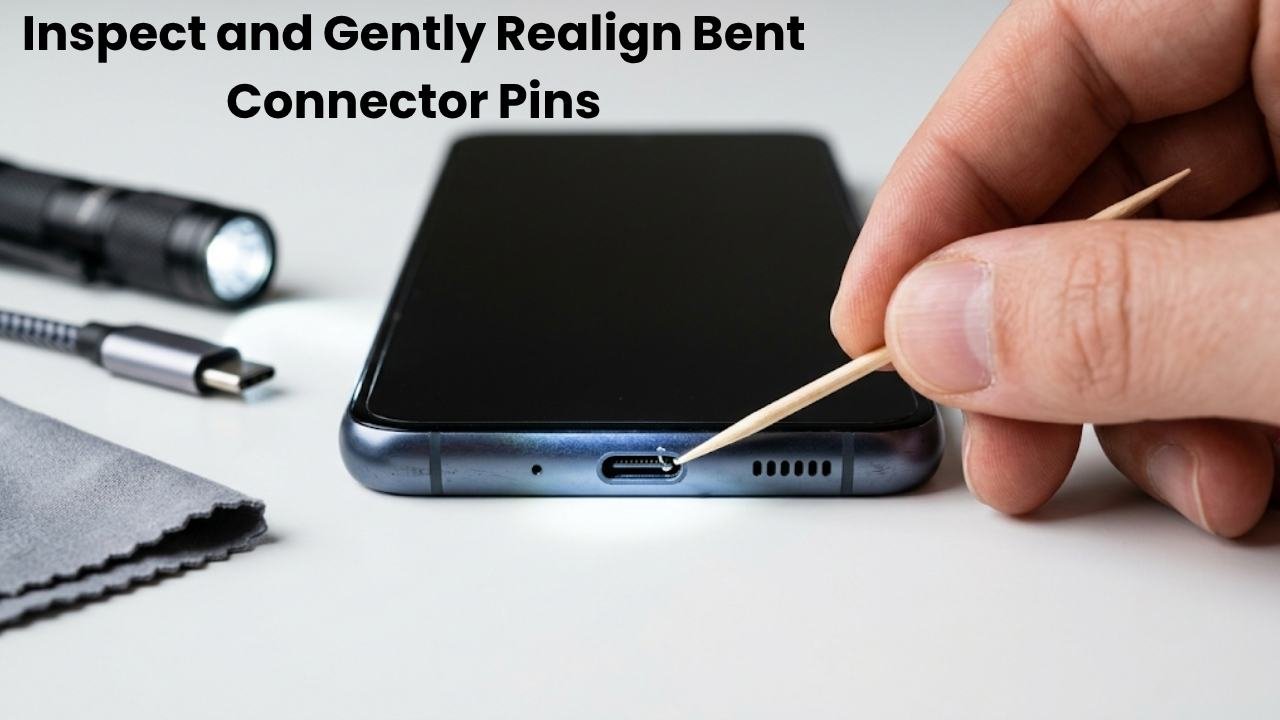
How to inspect the port:
- Power off the phone
- Shine a bright light directly into the port
- Look for any pin that appears bent, pushed to one side, or sitting lower than the others
If a pin appears slightly bent:
Using a wooden toothpick — never a metal tool — you can very gently attempt to move a visibly misaligned pin back toward its correct position. This requires patience and minimal force.
Apply the tip of the toothpick against the side of the bent pin and apply very gentle lateral pressure. The goal is a small correction, not a dramatic adjustment. A pin that is only slightly out of alignment can often be nudged back enough to restore proper cable engagement.
When not to attempt this:
- If the pin is severely bent, broken, or missing entirely
- If you cannot see clearly what you are doing
- If the port shows signs of corrosion or burning
In those cases, proceed directly to the professional repair section at the end of this guide.
Fix 4 — Test Wireless Charging as a Diagnostic Tool
If your Android phone supports wireless charging, testing it provides valuable diagnostic information for the phone charging port loose fix process.
Connect the phone to a wireless charger and confirm whether it charges successfully.
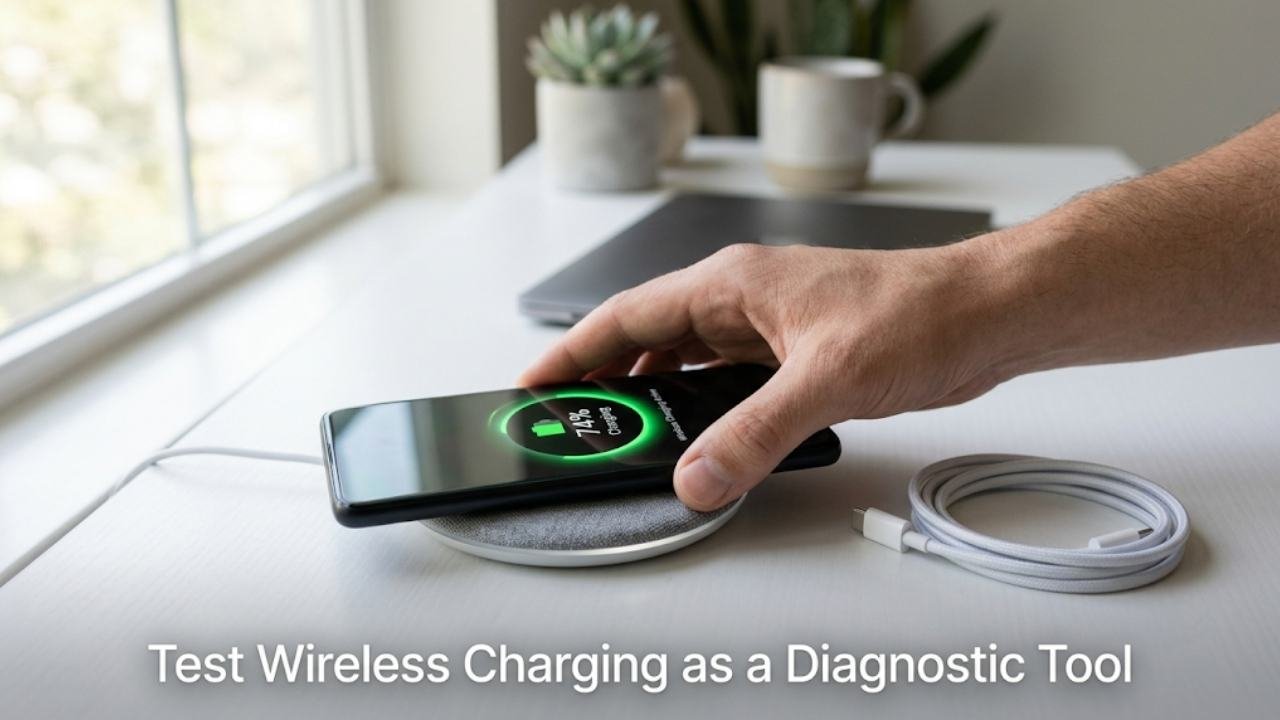
If wireless charging works normally:
The phone’s charging hardware and battery are functioning correctly. The problem is specifically with the physical USB port — either the port itself, the cable, or the debris situation addressed in Fix 1.
If wireless charging also fails:
The problem may be with the battery, charging circuitry, or a software issue rather than the physical port. This changes the troubleshooting direction entirely.
Wireless charging confirmation also gives you a temporary charging solution while you work through the port fixes or wait for a repair appointment.
Fix 5 — Check for Software-Related Charging Issues
Not all charging problems come from the physical port. Sometimes what appears to be a loose port causing intermittent charging is actually a software issue affecting how the phone detects and manages the charging connection.
Android can misread charging states, fail to register a connected cable, or show charging errors due to software glitches in the power management system.
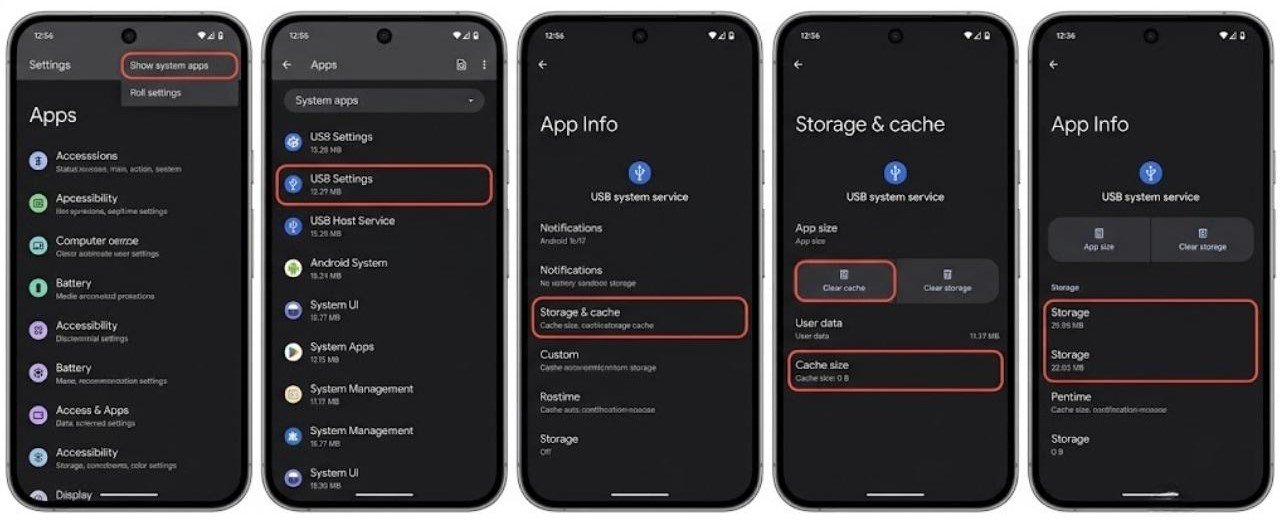
How to check for software charging issues:
- Restart the phone while connected to the charger
- Check whether charging begins normally immediately after restart
- Try charging in Safe Mode — hold Power, long-press Power Off, and tap OK when Safe Mode prompt appears
- If charging works more reliably in Safe Mode, a third-party app is interfering with the charging detection
Clear the charging-related cache:
- Go to Settings → Apps → Show System Apps
- Find USB Settings or USB Host Service if present
- Clear cache for these system services
If Safe Mode charging is reliable but normal mode charging is intermittent, identify and uninstall recently added apps that may be affecting power management.
Fix 6 — Adjust How You Handle the Cable During Charging
This fix addresses a behavioural cause of loose port problems that worsens the physical condition over time.
Many users charge their phone while using it — holding the phone in one hand and applying sideways tension to the cable through normal hand movement. This lateral force is one of the primary causes of port wear over time. Every degree of sideways pressure on a connected cable stresses the port’s retention mechanism and solder joints.
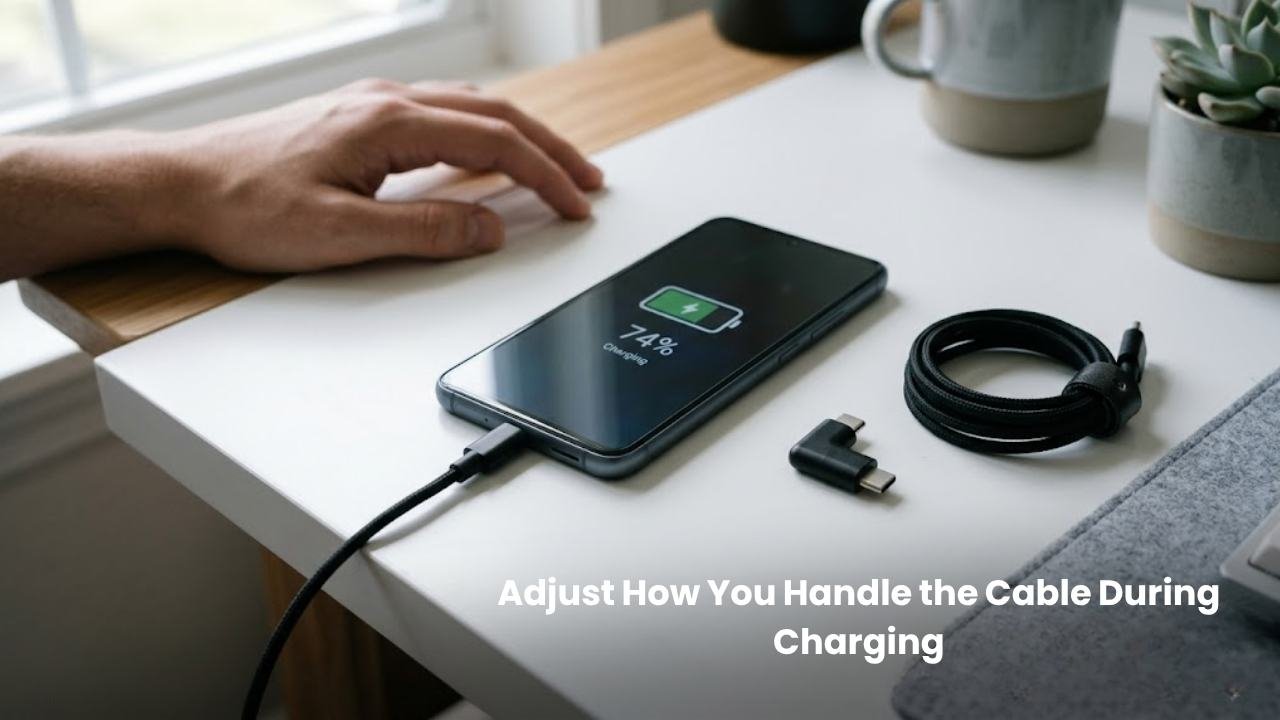
Better charging habits to adopt immediately:
- Place the phone on a flat surface while charging — do not hold it with the cable attached
- Do not use the phone for tasks that require movement while charging
- Avoid wrapping the cable tightly around objects near the port connection point
- Use a right-angle USB-C adapter if your charging setup requires the cable to exit the port at an angle — this eliminates lateral stress on the port
These habits do not fix existing damage but prevent the loose charging port situation from worsening and reduce the likelihood of port damage on any future device.
Fix 7 — Use a USB-C Port Saver or Magnetic Adapter
If your phone charging port loose fix situation involves a port that still functions but feels noticeably less firm than it once did, a USB-C port saver or magnetic charging adapter provides a practical intermediate solution.
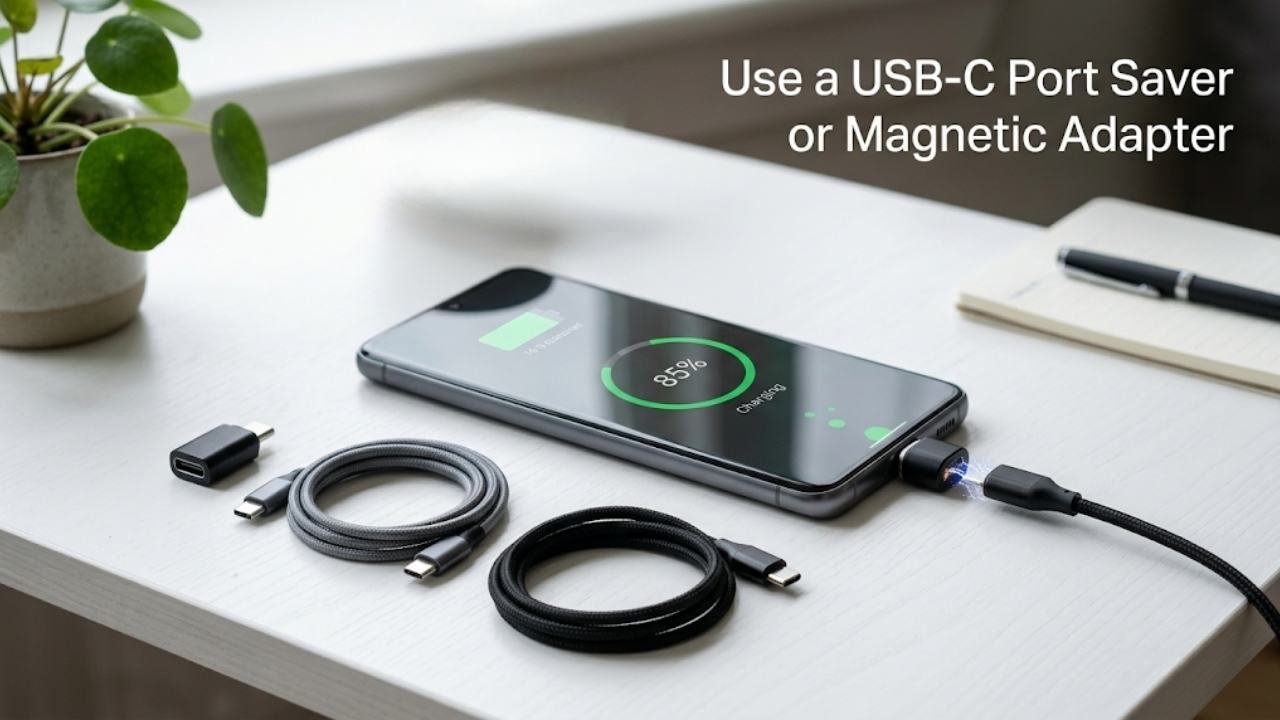
USB-C port saver:
A small adapter that plugs permanently into the phone’s USB-C port and provides a fresh, tight connection point for your charging cable. The adapter takes the wear from daily cable insertion and removal rather than the phone’s built-in port.
Magnetic charging adapter:
A small magnetic connector that plugs into the USB-C port permanently. The charging cable attaches magnetically rather than through a physical insertion. This eliminates all insertion and removal wear on the port entirely.
Benefits of these solutions:
- Extends the usable life of a port that is beginning to show wear
- Eliminates daily physical stress on the port connection
- Provides reliable charging without a full port repair
Limitations:
- Magnetic adapters may reduce charging speed on some devices
- Some magnetic adapters do not support data transfer
- A damaged or broken port still requires physical repair regardless of adapter use
Fix 8 — Professional Port Repair or Replacement
If all previous fixes have been applied and the charging port remains loose, intermittent, or non-functional, the port likely has physical damage that requires professional repair.
Situations that require professional repair:
| Symptom | Likely Cause | DIY Fixable? |
|---|---|---|
| Port completely loose with movement | Weakened solder joints | No |
| Cable fits firmly but no charging | Damaged contacts or circuitry | No |
| Visible burning or corrosion | Electrical damage | No |
| Port moves visibly when cable inserted | Detached solder joints | No |
| No charging after cleaning and cable test | Port or board fault | No |
What Professional Port Repair Involves
A qualified repair technician will:
- Open the device and access the charging port component
- Desolder the damaged port from the motherboard
- Install a new replacement charging port
- Resolder and test the new connection
- Reassemble and verify charging function
USB-C port replacement is a well-established repair performed by technicians at third-party repair shops and manufacturer service centres. It is significantly less expensive than a full device replacement on most Android phones.
Choosing a Repair Provider
- Manufacturer service centres (Samsung, Google, OnePlus, Xiaomi service centres) provide original parts and maintain warranty where applicable
- Third-party certified repair shops typically offer faster turnaround and competitive pricing using quality replacement parts
- Check reviews and ask whether the technician has experience with your specific phone model before committing
Warranty Considerations
If your phone is still under manufacturer warranty, check whether the charging port issue qualifies for warranty repair before paying for third-party service. Physical damage from drops or liquid typically voids port-related warranty claims, but manufacturing defects may be covered.
How to Prevent a Loose Charging Port in the Future
Once you have resolved the phone charging port loose fix situation, these habits protect your port going forward.
Clean the port monthly
A quick monthly inspection and gentle cleaning with a toothpick prevents lint from compacting to the level where it causes connection problems.
Always insert the cable straight
USB-C cables are designed for straight insertion. Inserting at even a slight angle adds wear to the port walls and contacts with every connection.
Use quality cables
Cheap cables often have wider or poorly manufactured connectors that flex inside the port and cause accelerated wear. Cables from reputable brands maintain tighter tolerances and cause less port stress.
Do not leave cables plugged in when unnecessary
Every connected cable that experiences movement transmits that movement to the port. Disconnecting when not actively charging removes a constant source of port stress.
FAQs
Why does my phone charging port feel loose?
The most common cause is compacted lint and debris at the bottom of the port preventing the cable from inserting fully. A worn charging cable is the second most common cause. Cleaning the port and testing a replacement cable resolves most loose port situations without any repair needed.
Can I fix a loose charging port at home?
Yes, in most cases. Cleaning debris from the port and replacing a worn cable are both home fixes that resolve the majority of loose charging port situations. Bent pins can sometimes be carefully realigned at home. Physical port damage from drops or worn solder joints requires professional repair.
How do I clean lint out of a charging port safely?
Use a wooden toothpick to gently scrape compacted lint from the bottom of the port. Never use metal tools, pins, or cotton swabs. Power off the phone first and work gently with good lighting. Compressed air in short bursts can help remove loosened debris.
Does wireless charging work with a damaged USB-C port?
Yes. Wireless charging bypasses the USB-C port entirely. If your phone supports wireless charging, it works independently of the physical port condition. This makes wireless charging a useful temporary solution while the port is being repaired.
How much does charging port repair cost?
Port repair costs vary by device model and repair provider. Third-party repair shops typically offer this service at a fraction of the cost of a device replacement. Manufacturer service centres may charge more but use original components. Always get a quote before committing to any repair.
Final Thoughts
The phone charging port loose fix process starts with the simplest possible cause and works toward the more complex ones. In a large number of cases, compacted lint is the entire android problem — and removing it with a wooden toothpick takes less than five minutes.
Always clean the port and test a replacement cable before assuming hardware damage. These two steps resolve the majority of loose port situations without any cost or professional involvement.
If physical damage is present — weakened solder joints, bent internal components, or corrosion — professional port replacement is the appropriate solution. It is a well-established repair that restores full charging function at a reasonable cost compared to device replacement.
Adopting good charging habits going forward — clean port monthly, insert cables straight, use quality cables, and avoid using the phone while charging — protects the port and reduces the likelihood of needing another phone charging port loose fix in the future.