

Introduction
Android Notification Channels Explained is essential for understanding how modern Android devices give users precise control over app notifications. Notifications are a core part of the Android experience, but without proper management, they can quickly become overwhelming, distracting, and even intrusive.
To solve this, Android introduced notification channels—a structured system that allows apps to categorize notifications and gives users granular control over how each category behaves. Instead of turning off notifications entirely, users can fine-tune alerts based on importance and relevance.
In this comprehensive guide, we will explore how Android notification channels work, their benefits, and how both users and developers can use them effectively.
What Are Android Notification Channels?
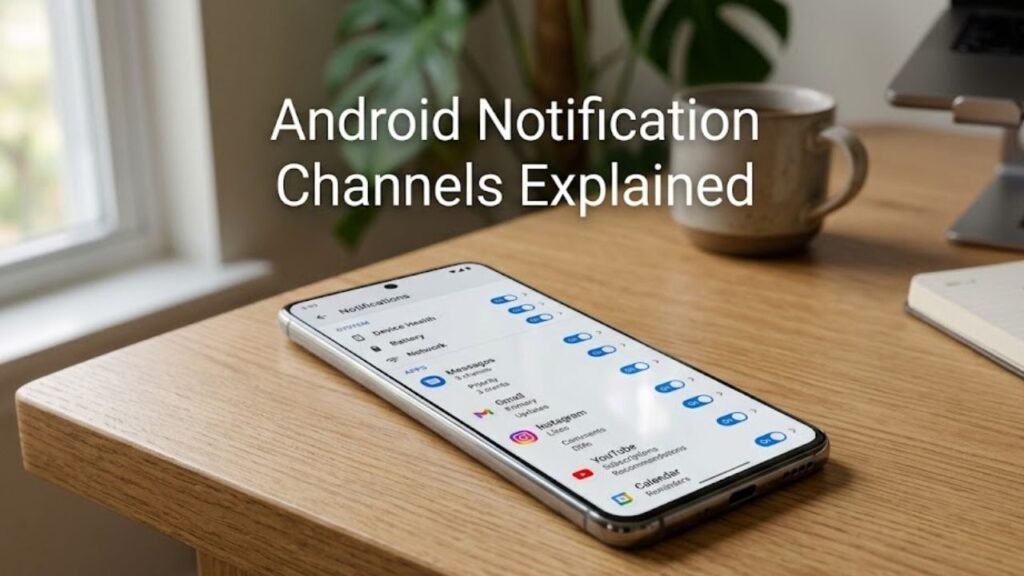
Android notification channels are categories created by apps to organize different types of notifications.
Each channel represents a specific type of alert, such as messages, promotions, or updates, allowing users to control them individually.
Core Concept
- Notifications are grouped into channels
- Each channel has customizable settings
- Users can manage alerts per category
This system ensures better control and a more personalized notification experience.
Why Android Notification Channels Matter
Understanding Android Notification Channels Explained highlights their importance in daily device usage.
Key Benefits
- Reduces notification clutter
- Improves user control
- Enhances user experience
- Prevents unnecessary interruptions
Instead of disabling all notifications, users can selectively manage what matters most.
How Android Notification Channels Work
Android notification channels operate through a structured system.
Step-by-Step Process
- App creates notification channels
- Each channel is assigned a category
- Notifications are sent through specific channels
- Users customize channel settings
This allows precise control over notification behavior.
Key Features of Notification Channels
To fully understand Android Notification Channels Explained, explore their main features.
1. Granular Control
Users can enable or disable specific notification categories.
2. Importance Levels
Each channel can be assigned a priority level.
3. Sound and Vibration Settings
Customize how notifications alert you.
4. Visual Interruptions
Control pop-ups and lock screen visibility.
Notification Importance Levels Explained
Importance levels define how notifications behave.
Levels of Importance
- High: Makes sound and appears on screen
- Default: Makes sound without pop-up
- Low: Silent notification
- Min: No visual or sound alert
Impact
Higher importance leads to more visible and intrusive alerts.
Notification Channels vs Traditional Notifications
This comparison clarifies Android Notification Channels Explained.
Comparison Table
| Feature | Notification Channels | Traditional Notifications |
|---|---|---|
| Control Level | Granular | Limited |
| Customization | High | Low |
| User Flexibility | Advanced | Basic |
| Notification Management | Category-based | App-based |
| User Experience | Improved | Often cluttered |
Notification channels significantly improve usability.
Where to Find Notification Channel Settings
Users can easily access notification channel settings.
Steps
- Go to Settings
- Tap Apps & Notifications
- Select an app
- Open Notifications
- View available channels
Here, you can customize each channel individually.
Examples of Notification Channels
Understanding real-world examples helps explain Android Notification Channels Explained.
Common Categories
- Messages
- Promotions
- Updates
- Reminders
- Alerts
Each category can be configured separately.
How Developers Use Notification Channels
Developers play a key role in implementing channels.
Developer Responsibilities
- Create meaningful categories
- Assign appropriate importance levels
- Ensure user-friendly naming
Best Practices
- Avoid excessive channels
- Provide clear descriptions
- Respect user preferences
Common Issues with Notification Channels
While useful, they can sometimes cause confusion.
Typical Problems
- Too many channels
- Misconfigured importance levels
- Missing notifications
Solutions
- Adjust channel settings
- Reset notification preferences
- Update apps
Best Practices for Users
To maximize benefits from Android Notification Channels Explained, follow these tips.
1. Customize Important Channels
Prioritize essential notifications.
2. Mute Unnecessary Alerts
Reduce distractions.
3. Use Silent Notifications
For less critical updates.
4. Review Settings Regularly
Keep notification preferences updated.
Advanced Features of Notification Channels
Modern Android versions enhance notification control.
1. Notification Snoozing
Temporarily silence notifications.
2. Conversation Priority
Highlight important chats.
3. Bubbles
Floating chat notifications.
Impact on User Experience
Android Notification Channels significantly improve usability.
UX Benefits
- Reduced interruptions
- Better focus
- Personalized alerts
- Cleaner notification panel
Actionable Checklist
Use this checklist to optimize notifications:
- Review notification channels for each app
- Disable unnecessary categories
- Set appropriate importance levels
- Use silent mode for non-essential alerts
- Update apps regularly
FAQs: Android Notification Channels Explained
What are Android notification channels?
They are categories that organize app notifications for better control.
Why are notification channels important?
They allow users to manage notifications at a detailed level.
Can I disable specific channels?
Yes, you can turn off individual categories.
What is notification importance?
It defines how intrusive a notification is.
Do all apps use notification channels?
Apps targeting Android 8.0 and above must use them.
Can I reset notification settings?
Yes, you can reset app notification preferences.
Conclusion
Understanding Android Notification Channels Explained is key to mastering notification management on modern Android devices. As apps generate increasing numbers of alerts, having precise control is essential for maintaining focus and reducing digital clutter.
Notification channels empower users to customize their experience, ensuring that important alerts stand out while less critical ones remain unobtrusive. For developers, they provide a structured way to deliver meaningful and user-friendly notifications.
By leveraging notification channels effectively, users can transform their smartphone experience—making it more organized, efficient, and tailored to their needs.
