

Introduction
Android App Data Isolation is a fundamental security principle that ensures each app on an Android device operates within its own protected environment. As smartphones store increasingly sensitive data—ranging from personal messages to financial information—preventing unauthorized access between apps has become critical.
Android achieves this through a robust data isolation model that restricts how apps interact with each other and access stored data. This approach minimizes the risk of data leaks, protects user privacy, and strengthens overall system security.
In this comprehensive guide, we will explore Android App Data Isolation in detail, including how it works, its architecture, benefits, limitations, and best practices for both users and developers.
What Is Android App Data Isolation?
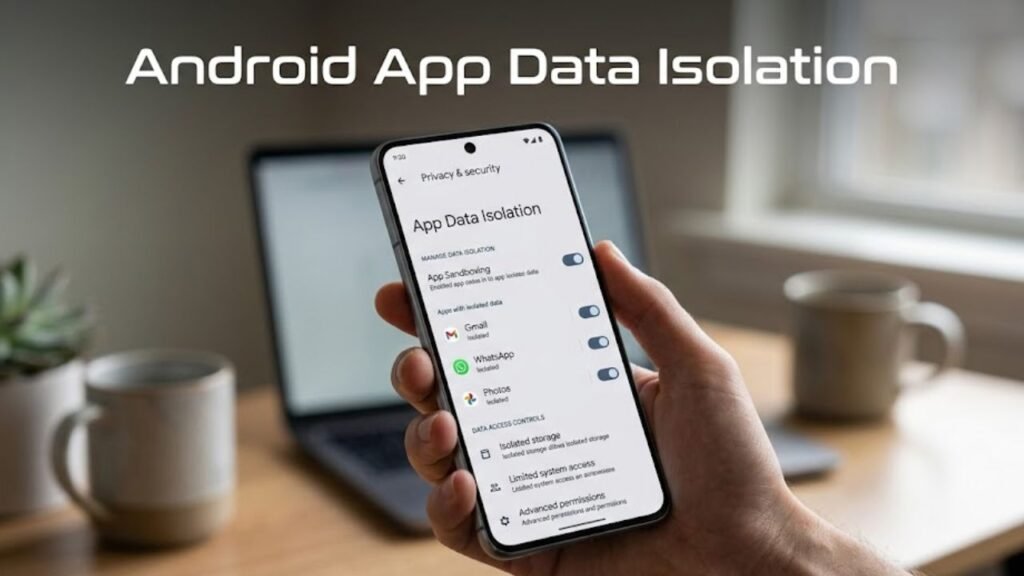
Android App Data Isolation refers to the mechanism that separates each app’s data from others on the device.
Every app has its own private storage space, which cannot be accessed by other apps unless explicitly permitted.
Core Principles
- Each app has a unique user ID (UID)
- Data is stored in isolated directories
- Access is controlled through permissions
- System enforces strict boundaries
This ensures that apps cannot freely access each other’s data.
Why Android App Data Isolation Matters
Understanding Android App Data Isolation highlights its importance in mobile security.
Key Benefits
- Protects sensitive user data
- Prevents cross-app data leaks
- Enhances system stability
- Reduces malware impact
Without isolation, apps could access and manipulate each other’s data freely.
How Android App Data Isolation Works
Android App Data Isolation is enforced through multiple layers.
Step-by-Step Process
- App is installed on the device
- System assigns a unique UID
- App receives a private storage directory
- Access to other apps’ data is blocked
- Permissions control shared access
This layered approach ensures strong protection.
Key Components of Data Isolation
Several components contribute to Android App Data Isolation.
1. Linux Kernel Security
Android uses Linux-based user separation for process isolation.
2. File System Permissions
Each app’s data directory is protected.
3. SELinux Policies
Enforce strict access control rules.
4. Application Sandbox
Apps operate within isolated environments.
Types of Storage in Android
To fully understand Android App Data Isolation, it’s important to know storage types.
1. Internal Storage
- Private to the app
- Fully isolated
- Automatically removed on uninstall
2. External Storage
- Shared among apps
- Requires permissions
3. Scoped Storage
- Controlled access to shared files
- Limits unrestricted file access
Data Sharing Between Apps
Despite isolation, Android allows controlled data sharing.
Approved Methods
- Content Providers
- Intents
- File sharing APIs
Restrictions
- No direct file access
- Permissions required
This ensures secure collaboration between apps.
Data Isolation vs Sandboxing
Understanding this comparison clarifies Android App Data Isolation.
Comparison Table
| Feature | Data Isolation | Sandboxing |
|---|---|---|
| Scope | Data protection | Process isolation |
| Focus | File access | Execution environment |
| Security Level | High | Very High |
| Interaction Control | Limited | Strict |
Both work together to enhance security.
Security Advantages of Data Isolation
Android App Data Isolation plays a critical role in protecting users.
Key Security Benefits
- Prevents unauthorized data access
- Limits impact of compromised apps
- Protects personal information
- Reduces attack surface
Common Threats Prevented
Android App Data Isolation helps mitigate various risks.
Threats Addressed
- Data theft by malicious apps
- Unauthorized file access
- Cross-app vulnerabilities
- Privacy breaches
Limitations of Data Isolation
While powerful, it has some limitations.
Common Limitations
- Relies on proper permission management
- Cannot prevent user-granted access misuse
- Vulnerable to advanced exploits
Understanding these helps users stay cautious.
Impact on App Performance
Data isolation also affects performance.
Positive Effects
- Improved stability
- Reduced system conflicts
- Efficient resource usage
Challenges
- Limited direct data sharing
- Increased development complexity
Best Practices for Users
To maximize benefits from Android App Data Isolation, follow these tips.
1. Install Trusted Apps Only
Avoid unverified sources.
2. Manage Permissions Carefully
Grant only necessary access.
3. Keep System Updated
Security patches improve protection.
4. Remove Unused Apps
Reduce potential risks.
Best Practices for Developers
Developers must design apps within isolation constraints.
Key Recommendations
- Use secure data storage methods
- Implement proper permission handling
- Avoid storing sensitive data unnecessarily
- Use official APIs for data sharing
Advanced Features Enhancing Data Isolation
Modern Android versions include additional protections.
1. Scoped Storage
Limits access to shared files.
2. Permission Auto Reset
Removes access from unused apps.
3. App Hibernation
Restricts inactive apps further.
Use Cases of Data Isolation
Understanding real-world scenarios helps explain Android App Data Isolation.
Examples
- Banking apps protecting financial data
- Messaging apps securing conversations
- Health apps safeguarding personal records
Actionable Checklist
Use this checklist to enhance security:
- Install apps from trusted sources
- Review permissions regularly
- Enable security features
- Update apps frequently
- Remove unused apps
FAQs: Android App Data Isolation
What is Android App Data Isolation?
It is a system that separates app data to prevent unauthorized access.
How does Android isolate app data?
Using unique user IDs, file permissions, and sandboxing.
Can apps access each other’s data?
No, unless explicitly allowed.
Is data isolation enough for security?
It is essential but works best with other security layers.
Does it affect performance?
It improves stability but may limit direct data sharing.
What role does UID play?
It uniquely identifies apps and enforces separation.
Conclusion
Understanding Android App Data Isolation is essential for anyone concerned about mobile security and privacy. As a core component of Android’s architecture, it ensures that each app operates independently, protecting user data from unauthorized access and potential threats.
By combining Linux-based isolation, permission controls, and modern security enhancements, Android creates a robust environment where data remains secure and controlled. While it may introduce certain limitations, its benefits in safeguarding sensitive information are undeniable.
For users, it provides peace of mind. For developers, it sets a clear standard for secure app design. Ultimately, Android App Data Isolation is a cornerstone of a safe and reliable mobile experience.
