

The latest rollout from Google introduces a wave of improvements across supported Pixel devices, but the real story lies beneath the surface. While headline features like AI-powered customization and smarter automation are getting most of the attention, a closer look reveals several Pixel Feature Drop hidden features that significantly enhance everyday usability.
From deeper Gemini integration to upgraded media tools and productivity enhancements, these additions are designed to make Pixel smartphones feel smarter, faster, and more personalized without requiring users to change how they interact with their devices.
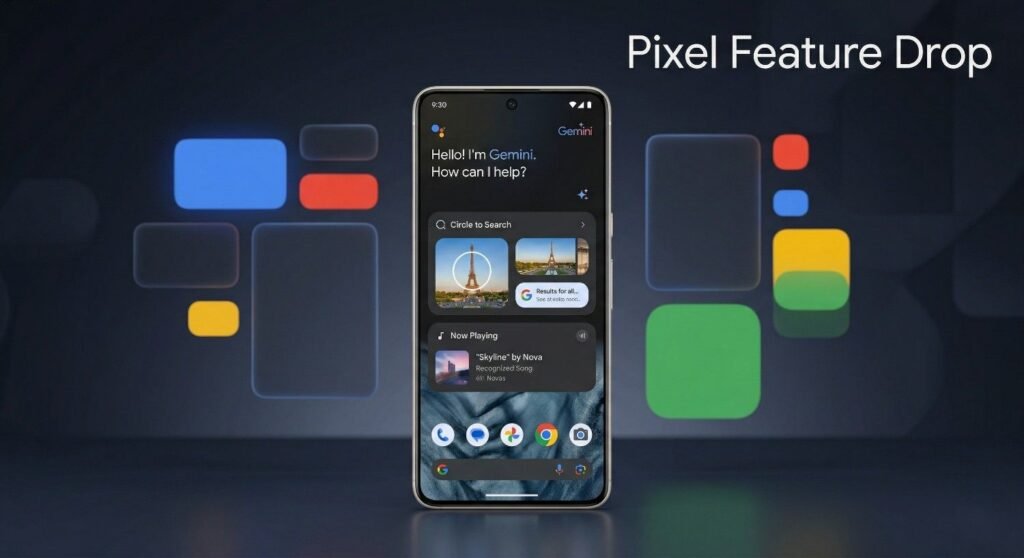
Circle to Search Gets a Smart Virtual Try-On Upgrade
One of the most interesting Pixel Feature Drop hidden features is tucked inside the evolving Circle to Search functionality. While most users recognize it as a visual search tool, it now goes a step further by introducing a virtual “Try It On” option.
This feature allows users to select clothing items directly from images and overlay them onto their own photos using generative AI. After uploading a selfie once, the system intelligently maps apparel onto the user’s body, providing a realistic preview of how an outfit might look.
This upgrade transforms Circle to Search from a discovery tool into a practical shopping assistant, bridging the gap between browsing and decision-making.
Gemini Automation Works Seamlessly in the Background
Another standout among the Pixel Feature Drop hidden features is how Gemini handles multi-step tasks. Unlike traditional assistants that require constant interaction, Gemini introduces a more autonomous workflow system.
Users can issue complex commands such as booking transportation and managing shopping lists simultaneously. What makes this feature unique is its ability to operate in the background.
Key Advantages of Gemini Automation
- Executes multi-app tasks without manual switching
- Displays progress through a subtle on-screen indicator
- Allows users to continue using other apps uninterrupted
- Reduces friction in everyday digital routines
This approach represents a shift toward proactive computing, where the device actively works on behalf of the user rather than waiting for continuous input.
Magic Cue Expands Beyond Native Messaging Apps
Messaging intelligence also sees a major upgrade with one of the most practical Pixel Feature Drop hidden features—Magic Cue. Previously limited to native messaging environments, it now extends to third-party platforms like WhatsApp and Telegram.
Magic Cue analyzes conversation context in real time and suggests relevant actions without interrupting the chat flow. For instance, if users are discussing dinner plans, the system can automatically surface restaurant recommendations, ratings, and reservation options.
This contextual awareness eliminates the need to switch between apps, making conversations more efficient and interactive.
Now Playing Evolves Into a Standalone Experience
The music recognition feature known as Now Playing has undergone a significant transformation. Previously buried within system settings, it now exists as a dedicated app with expanded capabilities.
Among the most useful Pixel Feature Drop hidden features here is the ability to access listening history instantly through shortcuts. Users can also export recognized tracks directly into playlists on platforms like YouTube Music or Spotify.
What’s New in Now Playing
- Standalone app with redesigned interface
- Quick access to song history
- Playlist export functionality
- Enhanced Material You design integration
This upgrade turns a passive feature into an active music discovery and management tool.
Connected Camera Support Unlocks Pro-Level Control
Photography enthusiasts will appreciate another addition to the Pixel Feature Drop hidden features list: enhanced connected camera support. Hidden within device connectivity settings, this feature allows Pixel smartphones to function as external monitors for compatible cameras.
By connecting via USB-C, users can:
- View live camera feeds on a larger display
- Adjust exposure and settings directly from the phone
- Trigger the shutter remotely
This functionality effectively bridges the gap between smartphones and professional camera equipment, offering greater flexibility for content creators.
Desktop Mode Becomes a Real Productivity Tool
A major productivity-focused addition among the Pixel Feature Drop hidden features is the improved desktop mode experience. When connected to an external display, newer Pixel devices can now deliver a more refined desktop-like interface.
Key Improvements in Desktop Mode
- Support for higher resolution output
- Improved window management
- Enhanced mouse and keyboard responsiveness
- Better multitasking capabilities
This feature positions Pixel devices as viable alternatives for light productivity tasks, especially for users who need quick access to documents, browsing, or multitasking on a larger screen.
Device Compatibility and Rollout Details
The availability of these Pixel Feature Drop hidden features varies depending on the device model. While newer devices receive the full suite of capabilities, older models still benefit from select enhancements.
General Availability Overview
- Latest Pixel models: Full feature access, including advanced AI tools
- Mid-generation devices: Most features, excluding some hardware-dependent capabilities
- Older supported models: Core improvements and UI enhancements
To access these updates, users should ensure their devices are running the latest software version and check for updates in system settings.
Why These Hidden Features Matter
The significance of these Pixel Feature Drop hidden features goes beyond individual upgrades. Together, they represent a broader shift in how smartphones are evolving.
Instead of focusing solely on hardware improvements, Google is emphasizing software intelligence, automation, and seamless integration across services. This approach enhances the overall user experience without requiring major changes in user behavior.
Key Takeaways
- AI is becoming deeply integrated into everyday tasks
- Features are designed to reduce friction and save time
- Cross-app functionality is improving rapidly
- Pixel devices continue to lead in software innovation
Final Thoughts
The latest update proves that the most impactful improvements are not always the most visible. These Pixel Feature Drop hidden features demonstrate how thoughtful software enhancements can transform the way users interact with their devices.
By combining AI-driven tools, smarter automation, and refined usability, Google is reinforcing the Pixel lineup’s reputation as a leader in Android innovation. For users willing to explore beyond the surface, this update offers a wealth of powerful tools waiting to be discovered.
