

Understanding the Digitizer vs Touch Sensor Layer is essential for anyone interested in Android smartphones and mobile technology. While these components may seem similar, they serve distinct roles in converting touch input into actionable commands and ensuring accurate screen interactions.
Smartphone displays integrate multiple layers, and both the digitizer and touch sensor layer are critical for responsive, precise touch performance. Knowing the differences helps users, technicians, and enthusiasts troubleshoot issues, optimize device performance, and understand modern touchscreen technology.
In this article, we explore the functions, structures, technologies, and practical impacts of the Digitizer vs Touch Sensor Layer, including comparisons, technical explanations, and tips to maintain a responsive touch experience.
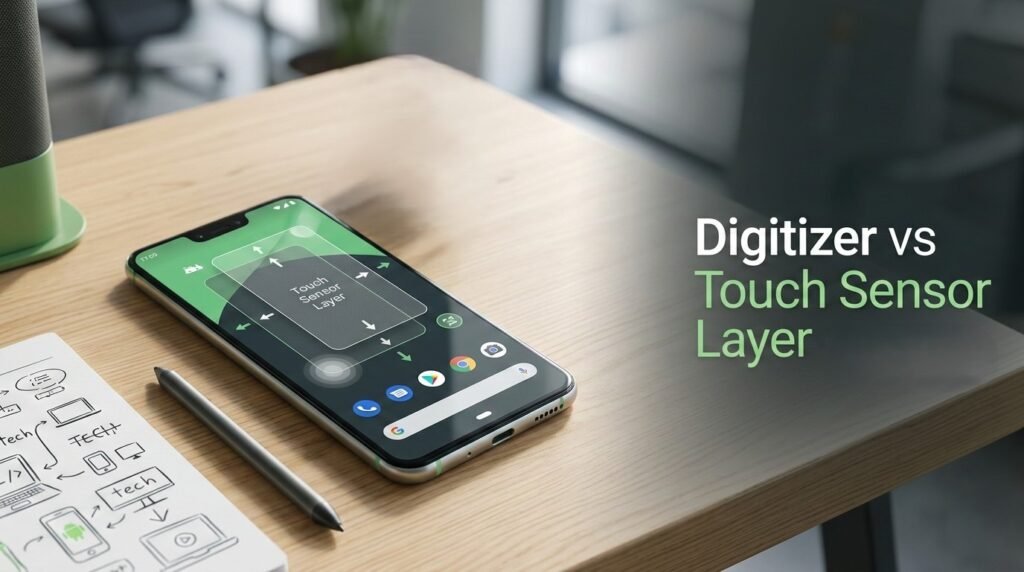
What Is a Digitizer?
The digitizer is a layer within a touchscreen assembly responsible for detecting touch input and converting it into digital signals the device can understand. It forms the bridge between your finger, stylus, or other input devices and the operating system.
Key Functions of a Digitizer
- Detects touch location on the screen
- Converts analog input into digital signals
- Supports single and multi-touch gestures
- Works with styluses on devices like Samsung Galaxy Note series
The digitizer often sits above the display panel in LCDs or AMOLED screens and is usually integrated or laminated to reduce thickness and improve touch accuracy.
This YouTube video below explains what a digitizer and an LCD are, detailing their roles in a smartphone’s touchscreen and display. It helps viewers understand how these components work together to show visuals and detect touch input. 📱✨
What Is a Touch Sensor Layer?
The touch sensor layer refers to the component that physically senses touch or pressure on the screen. It can be considered the hardware foundation that the digitizer relies on to detect input.
Key Functions of a Touch Sensor Layer
- Detects capacitive changes caused by touch
- Provides electrical signals to the digitizer
- Can support advanced gestures like swipe, pinch, or pressure sensitivity
- Often integrated within the display panel (in-cell) or as a separate layer (on-cell)
Touch sensor layers are designed for high sensitivity, accuracy, and low latency, ensuring smooth user experience on devices like Google Pixel 8 and OnePlus 12.
This YouTube video below explains touch sensors and how they detect and respond to physical touch. It highlights the basic working principles and common applications of touch sensor technology in electronic devices. 📱✨
Digitizer vs Touch Sensor Layer: Key Differences
While the digitizer and touch sensor layer work together, their roles and technologies differ significantly.
Comparison Table
| Feature | Digitizer | Touch Sensor Layer |
|---|---|---|
| Primary Role | Converts touch into digital signals | Detects touch through capacitance changes |
| Layer Placement | Above display panel | Embedded within or on top of display panel |
| Technology | Can be capacitive or resistive | Usually capacitive (modern smartphones) |
| Input Type | Finger, stylus, gestures | Finger or conductive input |
| Integration | Laminated or separate | In-cell or on-cell with display |
| Accuracy | High precision, especially for stylus | High sensitivity, low latency |
| Failure Symptoms | Touch not registering correctly | Ghost touches, lag, or unresponsive areas |
How the Layers Work Together
The digitizer vs touch sensor layer combination is what enables the seamless touch experience users expect on modern smartphones.
Interaction Process
- Touch occurs – finger or stylus contacts the screen
- Touch sensor detects – capacitive or resistive change is registered
- Digitizer interprets – translates signal into digital coordinates
- OS responds – Android processes input for apps, gestures, or UI navigation
Modern devices often integrate these layers into a single module to reduce thickness and improve performance, but the distinction remains crucial for troubleshooting and repair.
Common Technologies in Digitizers and Touch Sensor Layers
Digitizer Technologies
- Capacitive Digitizers – Most common, supports multi-touch and stylus
- Resistive Digitizers – Older devices, pressure-based, single-touch
- Active Digitizers – Specialized for stylus input with pressure sensitivity
Touch Sensor Layer Technologies
- In-cell – Embedded within the display panel for thinner design
- On-cell – Placed on top of the display panel, simpler repair
- Flexible OLED sensor – Used in foldable smartphones
Troubleshooting Touch Issues
| Issue | Likely Component | Suggested Solution |
|---|---|---|
| No touch response | Digitizer | Restart device, recalibrate, or replace digitizer |
| Ghost touches | Touch sensor layer | Clean screen, check for moisture, repair sensor |
| Stylus not recognized | Digitizer | Update firmware, ensure compatibility, replace stylus/digitizer |
| Unresponsive areas | Both | Inspect connections, professional repair may be needed |
| Laggy touch | Digitizer calibration or OS | Software update or recalibration |
Practical Tips to Maintain Touch Performance
- Avoid using incompatible screen protectors
- Keep the screen clean and free from moisture
- Update device firmware for touch improvements
- Avoid excessive pressure or bending on flexible screens
- Use compatible styluses with active digitizers
FAQ Section
1. What is the difference between a digitizer and a touch sensor layer?
The digitizer converts touch input into digital signals, while the touch sensor layer detects the physical touch.
2. Can a phone work if the digitizer is damaged but the sensor layer is fine?
No, the digitizer is essential to interpret touch signals; without it, input won’t register.
3. Are touch sensors always capacitive?
Modern smartphones mostly use capacitive touch sensors; resistive sensors are rare in current devices.
4. How do in-cell and on-cell touch sensors differ?
In-cell sensors are embedded inside the display for thinner profiles, while on-cell sensors are layered on top of the display panel.
5. Can screen protectors affect digitizer or touch sensor performance?
Yes, poor-quality or thick screen protectors can reduce sensitivity and responsiveness.
Last words
The Digitizer vs Touch Sensor Layer distinction is critical to understanding how Android smartphones detect touch accurately and responsively. Both components must work in harmony for smooth navigation, stylus input, and gesture recognition. Awareness of their functions helps users troubleshoot issues and appreciate the engineering behind modern touchscreens.
