

Introduction
Bluetooth audio delay problem is a common issue that causes noticeable lag between audio and video playback. Whether you are watching videos, gaming, or making calls, this delay can significantly impact your overall experience.
The problem typically occurs when audio transmitted via Bluetooth arrives later than expected due to latency in wireless communication. While some delay is normal, excessive lag indicates underlying issues such as codec limitations, device compatibility, or software inefficiencies.
This comprehensive guide explores the causes, solutions, and preventive measures to resolve the Bluetooth audio delay problem and ensure smooth, synchronized audio performance.
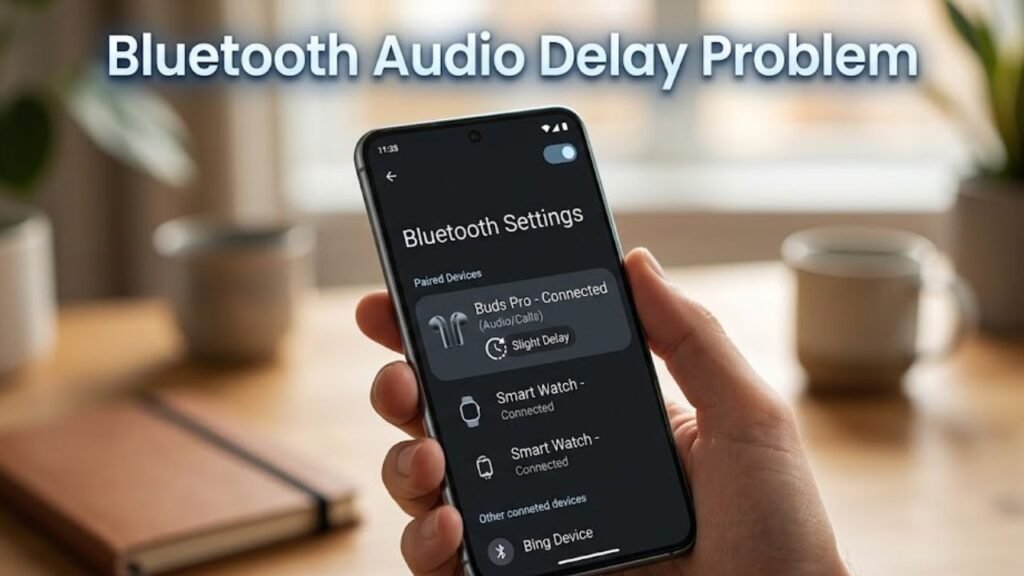
What Is Bluetooth Audio Delay Problem?
The Bluetooth audio delay problem refers to the time gap between when audio is generated on a device and when it is heard through Bluetooth headphones or speakers.
You may notice:
- Lip-sync issues while watching videos
- Delayed sound effects in games
- Audio lag during calls or streaming
This delay is measured in milliseconds and varies depending on device and technology.
Common Causes of Bluetooth Audio Delay Problem
1. Bluetooth Codec Limitations
- Standard codecs like SBC have higher latency
- Advanced codecs reduce delay but require compatibility
2. Device Compatibility Issues
- Mismatch between phone and audio device
- Older hardware with slower processing
3. Signal Interference
- Nearby wireless devices causing disruption
- Obstacles blocking signal
4. Software Glitches
- Outdated firmware or OS bugs
- Background processes affecting performance
5. Distance Between Devices
- Increased distance leads to higher latency
- Weak signal strength
6. Low Battery Levels
- Power-saving modes affecting performance
- Reduced transmission efficiency
Quick Diagnosis Table
| Issue Type | Difficulty | Risk Level | Recommended Fix |
|---|---|---|---|
| Codec limitation | Medium | Low | Change codec |
| Signal interference | Easy | Low | Reduce obstacles |
| Software glitch | Easy | Low | Restart/update |
| Device incompatibility | Medium | Medium | Upgrade hardware |
| Battery issue | Easy | Low | Charge devices |
11 Proven Fixes for Bluetooth Audio Delay Problem
1. Restart Your Devices
Restart both your phone and Bluetooth device.
Steps:
- Turn off both devices
- Wait 10 seconds
- Turn them back on
2. Reduce Distance Between Devices
Keep devices close for better signal.
- Maintain distance within 1–2 meters
- Avoid walls and obstacles
3. Switch to Low Latency Codec
Advanced codecs reduce delay significantly.
Examples:
- aptX Low Latency
- AAC
- LDAC
Enable via Developer Options (if supported).
4. Update Device Software
Software updates fix latency issues.
Steps:
- Go to Settings → Software Update
- Install latest updates
5. Disable Battery Saver Mode
Battery optimization can slow Bluetooth performance.
Steps:
- Go to Settings → Battery
- Turn off Power Saving Mode
6. Clear Bluetooth Cache
Corrupted cache may cause delays.
Steps:
- Go to Settings → Apps
- Select Bluetooth
- Tap Storage → Clear Cache
7. Disconnect Unused Bluetooth Devices
Multiple connections can increase latency.
- Remove unused paired devices
- Connect only one audio device
8. Use Wired Mode (If Available)
For critical tasks, wired connections eliminate delay.
- Use AUX or USB audio
- Ideal for gaming or editing
9. Reset Bluetooth Settings
Resetting can fix persistent issues.
Steps:
- Go to Settings → System → Reset
- Select Reset Network Settings
10. Check App-Specific Settings
Some apps have built-in audio sync options.
- Adjust audio delay manually
- Enable sync correction
11. Upgrade Bluetooth Device
Older devices often have higher latency.
- Choose Bluetooth 5.0 or higher
- Look for low-latency support
Detailed Comparison of Solutions
| Solution | Data Loss | Effectiveness | Best For |
|---|---|---|---|
| Restart Devices | No | Medium | Temporary glitches |
| Change Codec | No | High | Audio delay reduction |
| Update Software | No | High | System issues |
| Clear Cache | No | Medium | Minor bugs |
| Reset Settings | Yes | Very High | Persistent issues |
Practical Tips to Prevent Bluetooth Audio Delay Problem
Best Practices:
- Use high-quality Bluetooth devices
- Keep software updated
- Avoid crowded wireless environments
- Maintain close device proximity
- Charge devices regularly
Signs of Severe Bluetooth Latency Issues
Watch for:
- Persistent delay across all apps
- Audio lag even at close range
- Frequent disconnections
- Distorted or choppy sound
These may indicate hardware limitations.
Advanced Troubleshooting Methods
Enable Developer Options
Access advanced Bluetooth settings.
Use Dedicated Audio Apps
Apps designed for low-latency playback.
Firmware Updates for Accessories
Update headphones or speakers for better performance.
FAQs About Bluetooth Audio Delay Problem
Why does Bluetooth audio delay happen?
It occurs due to wireless transmission latency and codec limitations.
Can Bluetooth audio delay be completely eliminated?
Not entirely, but it can be minimized significantly with the right settings.
Which codec is best for low latency?
aptX Low Latency is among the best options.
Does distance affect Bluetooth delay?
Yes, greater distance increases latency and reduces signal quality.
Is Bluetooth 5.0 better for audio delay?
Yes, it offers improved speed and lower latency compared to older versions.
Conclusion
Bluetooth audio delay problem can disrupt your multimedia experience, but it is often manageable with the right approach. Most latency issues stem from codec limitations, device compatibility, or minor software glitches that can be resolved through simple adjustments.
By applying the solutions outlined in this guide—such as switching to low-latency codecs, updating software, and optimizing device settings—you can significantly reduce audio lag and achieve better synchronization.
Preventive measures like using modern Bluetooth devices, maintaining optimal distance, and avoiding interference play a crucial role in long-term performance.
If the issue persists despite all efforts, upgrading your hardware may be the most effective solution. With proper optimization, you can enjoy seamless, high-quality wireless audio without frustrating delays.
