

Transparent Phone App Android: Make Your Screen See-Through
The viral transparent phone app Android users are downloading right now doesn’t require special hardware, a futuristic display, or a concept device. Instead, it uses your phone’s camera feed to create the illusion that your screen is completely see-through — and it’s quickly gaining traction on TikTok and Instagram.
Transparent smartphones have long been a tech fantasy. Brands like Samsung have experimented with transparent display patents, while Nothing popularized exposed internal designs. But fully transparent phones still don’t exist commercially. That hasn’t stopped app developers from offering a clever workaround.
Here’s how the trend works — and whether it’s worth trying on your Android device.
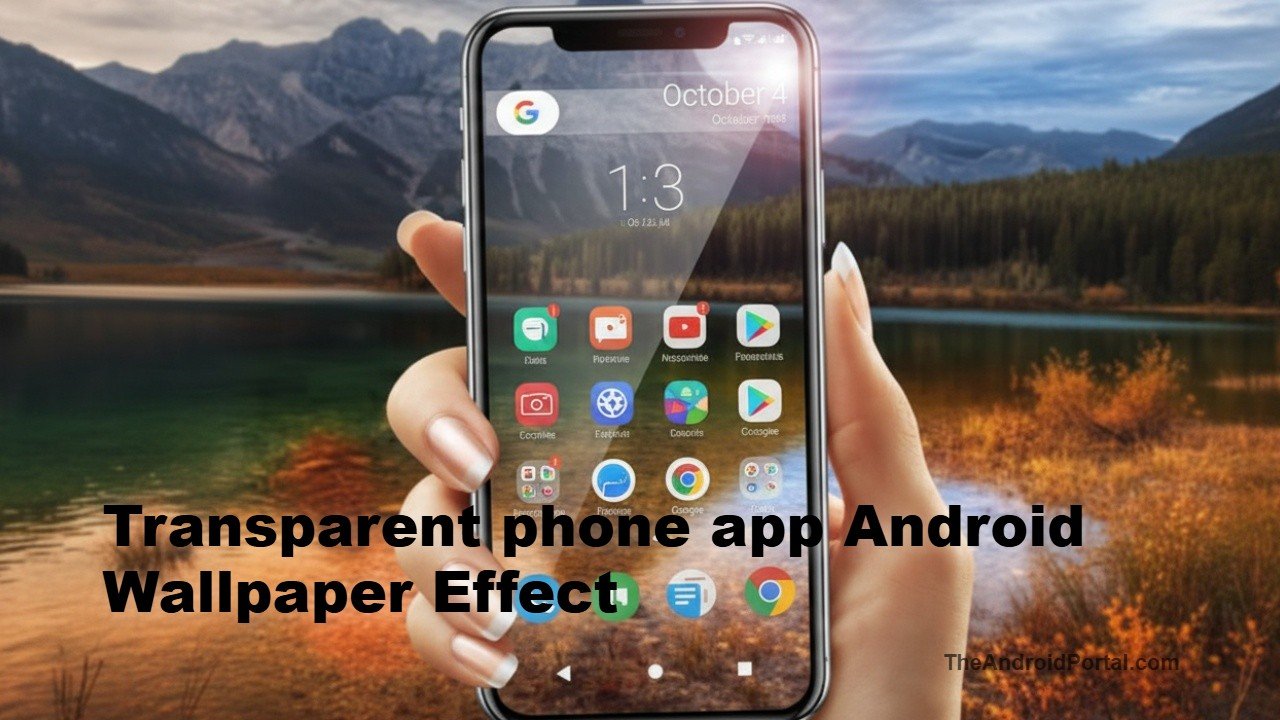
How the Transparent Phone App Android Trend Works
Unlike iOS, Android allows deeper system-level customization, including dynamic wallpapers. That’s where the transparent phone app Android experience comes in.
Apps like “Transparent Wallpaper” essentially:
- Activate your rear camera
- Capture a live camera feed
- Set that live feed as your home screen wallpaper
The result? Your app icons float over what looks like the real-world environment behind your phone.
Once installed, you typically:
- Open the app
- Grant camera permissions
- Select “Set as wallpaper”
- Choose home screen, lock screen, or both
From that moment on, your phone appears transparent while you scroll, swipe, and launch apps.
Because the wallpaper is actually your camera view, the effect looks surprisingly convincing — especially in bright environments.
Why This Trend Is Blowing Up Again
The concept isn’t new. Transparent phone illusions have circulated online for years. But short-form video platforms have revived the idea.
Several viral clips show users casually holding what appears to be a completely clear phone in public spaces. The illusion sparks curiosity — and clicks.
This trend also taps into a long-standing fascination with futuristic hardware. While real transparent OLED panels remain largely experimental, consumers clearly want the aesthetic.
For Android users, this customization flexibility is another reminder of platform advantages. If you’ve followed recent Android updates, you’ll know customization remains one of the ecosystem’s strongest selling points.
Battery and Performance: What You Should Know
Before you leave the effect running all day, there’s a trade-off.
Because the transparent phone app Android setup keeps your camera active continuously:
- Battery drain increases noticeably
- Your phone may warm up
- Background processing load rises
In testing scenarios, extended use can cause mid-range devices to heat slightly. Flagships handle it better, but battery consumption still climbs faster than usual.
If you want to try it safely:
- Use it temporarily (great for social posts)
- Avoid long-term daily usage
- Monitor battery stats in Settings
If you’re already optimizing battery performance, check our Android battery-saving guide for additional tips.
Is It Safe to Install?
Most transparent wallpaper apps are harmless, but you should always:
- Download only from the Google Play Store
- Check reviews and ratings
- Review app permissions carefully
Since these apps require constant camera access, privacy awareness is important. Avoid unknown third-party APK downloads.
Android vs iPhone: Why Android Does It Better
On Android, the effect works at the system wallpaper level. On iOS, similar apps simulate a launcher inside the app itself rather than truly replacing the wallpaper.
That means Android delivers:
- A more convincing illusion
- Full home screen interaction
- Better integration with widgets
This highlights Android’s open customization model — something Pixel, Samsung Galaxy, and other manufacturers continue to build on.
Should You Try the Transparent Phone App Android Trend?
If you’re looking for:
- A fun party trick
- Social media engagement
- A futuristic aesthetic
Then yes, it’s worth experimenting with.
If you’re focused on:
- Battery efficiency
- Long-term usability
- Practical customization
You’ll likely revert to a static wallpaper after the novelty fades.
Still, trends like this show how creative Android’s software ecosystem can be — even without new hardware innovations.
