

The long-awaited Google Photos custom stickers Android feature is finally rolling out, giving millions of Android users a built-in way to turn photos into personalized stickers — no third-party apps required.
For years, this functionality quietly existed on iOS, creating what many Android users described as “iPhone sticker envy.” Now, Google is bringing the same smart cutout capability directly to the Android version of Google Photos, making it easier than ever to transform people, pets, or objects into instant shareable stickers.
And unlike traditional photo editing workflows, this tool works directly inside your gallery.
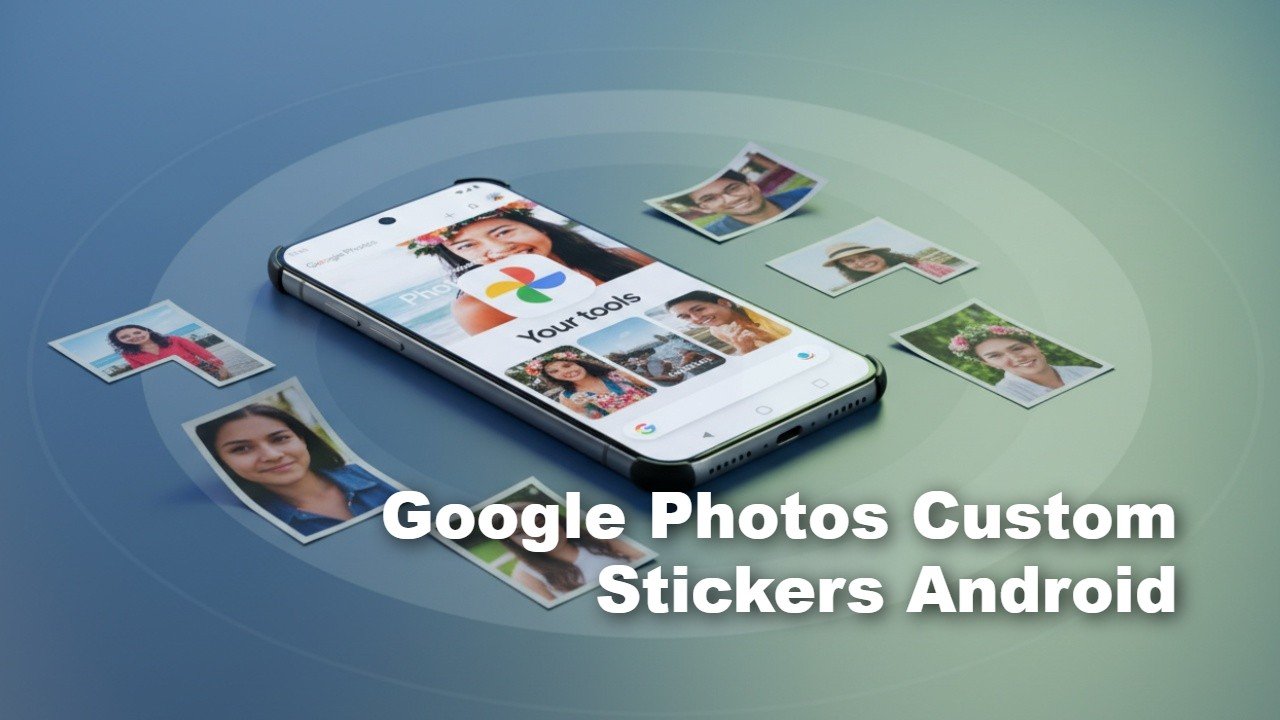
Google Photos Custom Stickers Android: How It Works
The new Google Photos custom stickers Android tool uses intelligent subject detection to isolate objects within an image. When you open a supported photo, a subtle shimmer animation outlines the primary subject — whether that’s a person, a pet, or even a product in the foreground.
Here’s how to create a sticker:
- Open the latest version of Google Photos
- Select an image from your gallery
- Press and hold on the subject you want to extract
- Tap copy or use the share option
- Paste it directly into messaging apps
The process feels similar to Apple’s long-standing iOS cutout feature but is now fully integrated into Android’s ecosystem. Once copied, stickers can be shared in apps like WhatsApp, Instagram, and other messaging platforms that support image pasting.
No separate editing apps. No manual background removal. No complicated export steps.
Built-In AI Does the Heavy Lifting
Behind the scenes, Google is leveraging on-device AI segmentation to power the Google Photos custom stickers Android experience. The subject detection is automatic, meaning users don’t need to manually trace or crop.
This approach aligns with Google’s broader AI push across Android, Pixel devices, and cloud services. Features like Magic Editor and background blur enhancements laid the groundwork for real-time object extraction, and this sticker tool builds on that foundation.
Minimum requirements include:
- Latest Google Photos update
- At least 4GB RAM
- Supported Android device
Most modern mid-range and flagship Android phones meet these requirements, including devices from Samsung, Pixel, and other major OEMs.
Why This Feature Matters for Android Users
While sticker creation might sound like a small addition, it addresses a major user demand. Searches for:
- “How to make stickers from photos Android”
- “Turn picture into sticker Android”
- “Google Photos custom stickers”
have steadily increased over the past year.
The appeal is simple:
- Personal expression in messaging
- Fast meme-style content creation
- Social media-ready visuals
- No watermark or app branding
For Android users, this eliminates reliance on third-party background remover apps that often include ads, compression, or subscription paywalls.
Social Sharing Just Got Easier
The timing of the Google Photos custom stickers Android rollout is strategic. Messaging platforms are becoming more visual, and short-form content dominates engagement.
With instant subject extraction, users can now:
- Create reaction stickers from selfies
- Turn pets into reusable sticker packs
- Extract objects for meme templates
- Share quick cutouts during chats
This also complements Google Photos’ recently introduced AI meme generator tools and editing enhancements, reinforcing the app’s evolution beyond simple cloud backup.
Android Finally Closes the iOS Feature Gap
For years, iPhone users had access to similar subject-lifting capabilities directly in Apple Photos. Android users either waited or relied on third-party solutions.
With the arrival of Google Photos custom stickers Android, that gap is effectively closed — and arguably implemented more flexibly given Android’s open sharing system.
Expect this feature to gain traction among:
- Pixel users leveraging AI-driven features
- Samsung Galaxy owners active on social apps
- Content creators looking for fast editing tools
It also strengthens Google Photos’ position as more than just a gallery — it’s increasingly becoming a lightweight creative suite built into Android.
What’s Next for Google Photos?
Google is reportedly working on a dedicated sticker history section within the app, making previously created stickers easier to access. That would transform this from a one-off sharing trick into a reusable sticker ecosystem.
Given Google’s aggressive AI roadmap across Android 17 and Pixel hardware, this may be just the beginning of more on-device creative tools rolling out in 2026.
For Android users who felt left behind, the message is clear: the wait is over.
