

Android 17 Pixel Launcher Search Bar Upgrade
The Android 17 Pixel Launcher search bar is getting one of its most meaningful updates in years — and it’s already live in the first public beta. While Android 17 Beta 1 focuses heavily on performance improvements and large-screen optimizations, Google has quietly introduced subtle yet impactful changes to the Pixel home screen experience.
For Pixel users who care about personalization and workflow speed, this could be one of the most practical upgrades in the entire release.
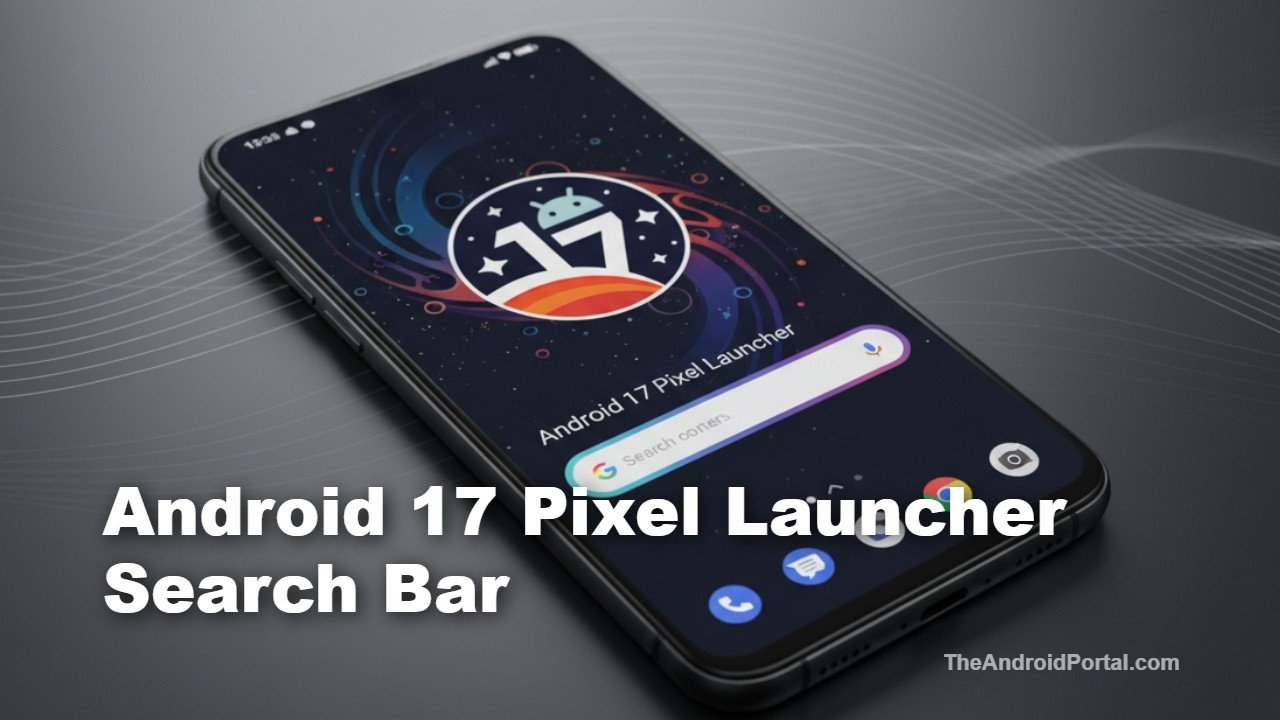
Android 17 Pixel Launcher Search Bar Now Supports Custom Shortcuts
The biggest change in Android 17 Beta 1 centers around the redesigned search bar on the Pixel home screen. Google has refined its appearance and, more importantly, made it customizable.
Slimmer, Cleaner Visual Design
On Android 16, the search bar featured thicker, more colorful borders. In Android 17, Google has reverted to a slimmer and more minimal design that resembles older Pixel aesthetics. The updated UI feels less intrusive and better aligned with Material You’s evolving visual direction.
Customizable Shortcut Inside the Search Bar
The real headline feature of the Android 17 Pixel Launcher search bar is shortcut customization.
Previously, the shortcut area had limited flexibility. Now, users can replace the default AI Mode shortcut with several alternatives, including:
- Gemini Live
- Google Translate
- Song Search
- Weather
- Dictionary
- And other Google-powered tools
The shortcut now sits inside the search bar itself rather than outside it, creating a cleaner layout. When tapped, it dynamically updates the search field and launches the selected function instantly.
At this stage, voice search and Google Lens remain fixed, meaning full customization isn’t available yet. However, this marks a clear shift toward greater launcher personalization.
At a Glance Widget Can Finally Be Removed
Another notable change arriving alongside the Android 17 Pixel Launcher search bar update is the long-requested ability to remove the At a Glance widget.
Google previously tested this option in Android 16 QPR betas, but it’s now broadly accessible in Android 17 Beta 1.
To remove it:
- Long-press on the widget
- Access home settings
- Disable At a Glance
For years, Pixel users criticized the widget’s permanent placement. This move signals that Google is listening to feedback and allowing more control over the home screen layout.
Additional UI Tweaks in Android 17 Beta 1
Beyond the Android 17 Pixel Launcher search bar, Beta 1 introduces a handful of minor interface refinements:
Refreshed Brightness Icon
The Quick Settings brightness slider icon has been subtly redesigned, giving it a more modern look consistent with updated system theming.
Clearer Volume Panel Access
The volume panel now includes a dedicated settings icon at the bottom, making it easier to jump directly into advanced audio controls.
These changes may seem small individually, but collectively they demonstrate Google’s ongoing effort to polish everyday interactions.
Why This Matters for Pixel Users
Launcher customization remains one of the most discussed topics among Android enthusiasts. While third-party launchers offer flexibility, Pixel owners typically rely on Google’s default experience.
By enhancing the Android 17 Pixel Launcher search bar, Google is:
- Improving one-handed usability
- Speeding up access to AI tools
- Reducing UI clutter
- Increasing personalization without sacrificing simplicity
It also reflects Google’s broader AI-first direction, integrating Gemini and other intelligent features directly into core navigation.
With devices like the Google Pixel 10 Pro XL leading Google’s hardware strategy, these refinements help maintain Pixel’s reputation for clean software design.
Android 17’s Bigger Picture
Android 17 Beta 1 rolled out on February 13, 2026, focusing heavily on performance tuning and large-screen optimizations for tablets and foldables. While the visual overhaul isn’t dramatic compared to Android 16, the update prioritizes refinement over reinvention.
The Android 17 Pixel Launcher search bar upgrade fits perfectly into that philosophy — small change, big usability impact.
As always with beta builds, features could evolve before the stable release. Google may expand customization options or further tweak the UI based on user feedback.
What to Watch Next
As Android 17 progresses through its beta cycle, expect more hidden changes to surface — especially within the Pixel Launcher and AI integration layers.
If you’re already testing the beta on a Pixel device, this is one feature worth exploring immediately.
For deeper platform documentation, developers can review official release notes on the Android Developers website.
