

Telegram Android Liquid Glass Redesign Brings Major UI Changes
Telegram has begun rolling out its most visually significant update in years, and the Telegram Android Liquid Glass redesign is now live for users worldwide. With version 12.4.0 arriving via the Google Play Store, the popular messaging app is embracing a bold new interface that places transparency, fluid animations, and simplified navigation at the center of the Android experience.
This update marks a decisive shift from Telegram’s long-standing utilitarian design language, signaling the company’s intent to modernize its Android app in line with broader platform UI trends and evolving user expectations.
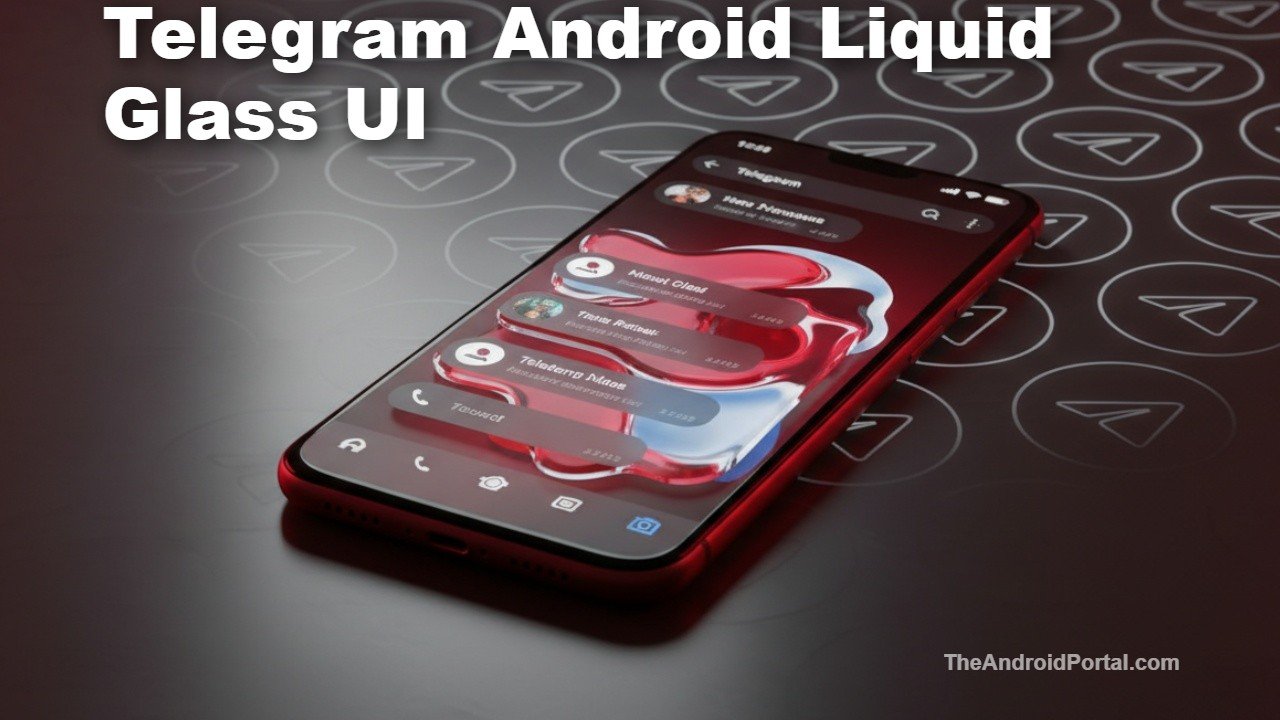
Telegram Adopts a Liquid Glass Design Language on Android
At the heart of this update is Telegram’s full adoption of a Liquid Glass-style UI, a design approach characterized by translucent layers, depth effects, and softer visual transitions. While Android has experimented with transparency in the past, Telegram’s latest redesign takes the concept further, making it one of the most noticeable third-party UI refreshes on the platform in recent months.
The changes are especially prominent in light mode, where semi-transparent panels and frosted-glass effects are most visible. Dark mode retains a more restrained appearance, ensuring readability while still benefiting from subtle depth cues.
This redesign builds on smaller UI tweaks Telegram introduced in late 2025, but version 12.4.0 is the first update to unify the app around this new visual identity.
New Bottom Navigation Replaces the Classic Hamburger Menu
One of the biggest functional changes in the Telegram Android Liquid Glass redesign is the complete overhaul of navigation. Telegram has removed the long-standing hamburger side menu and replaced it with a four-tab bottom navigation bar.
The new bottom tabs include:
- Chats
- Contacts
- Settings
- Profile
The bottom bar remains visible even while scrolling, making it easier to switch sections without interrupting conversations. Actions previously hidden in the side menu—such as creating a new group or accessing archived chats—are now housed within a three-dot overflow menu on the Chats screen.
This change brings Telegram closer to modern Android and cross-platform navigation standards, while also mirroring patterns commonly seen in iOS apps.
Inspired by iOS, But Still Distinctly Android
Telegram Liquid Glass approach on Android is clearly influenced by Apple latest design language, which emphasizes translucency and layered UI elements. However, the Android implementation isn’t a direct copy. Animations, spacing, and interaction behaviors remain consistent with Android conventions, ensuring the app still feels native rather than transplanted.
Telegram first introduced full Liquid Glass styling on iOS earlier this year, and this Android rollout brings the two platforms closer in visual parity—a long-standing goal for the company.
Performance, Usability, and Early User Reactions
From a performance standpoint, early testing suggests the redesign runs smoothly on most mid-range and flagship Android devices. Transitions are fluid, and scrolling performance remains consistent, even with the added visual complexity.
That said, user reactions have been mixed. While some welcome the cleaner look and easier navigation, others have criticized the redesign for:
- Reducing information density
- Feeling “too iOS-like”
- Removing familiar navigation patterns
Telegram has a history of iterating quickly based on feedback, so refinements to spacing, transparency levels, or navigation behavior could arrive in follow-up updates.
What This Update Means for Telegram’s Android Strategy
The Telegram Android Liquid Glass redesign is more than a cosmetic refresh—it reflects Telegram’s broader push to stay competitive in an increasingly crowded messaging app market. With rivals like WhatsApp and Google Messages refining their own Android interfaces, visual differentiation and usability have become critical.
By modernizing its UI and simplifying navigation, Telegram is positioning itself to appeal to new users while reinforcing its brand as a forward-looking platform that evolves quickly.
How to Get the New Telegram Android Update
The redesign is rolling out widely through the Google Play Store as part of Telegram for Android version 12.4.0. If you don’t see the update yet, it should appear automatically over the coming days.
For official release details, Telegram’s update notes can be referenced via its developer channels and Play Store listings.
