

Android 17 Cross-Device Continuity Explained
Google has introduced Android 17 cross-device continuity in the first Android 17 beta, bringing a powerful ecosystem upgrade that allows users to move app activities between nearby Android devices with minimal friction. The feature, internally referred to as “Handoff,” is designed to let you start a task on one device and continue it on another — whether that’s a phone, tablet, or Chromebook.
With this release, Android is taking a significant step toward strengthening its multi-device ecosystem, particularly for Pixel users and those invested in Google’s broader platform.
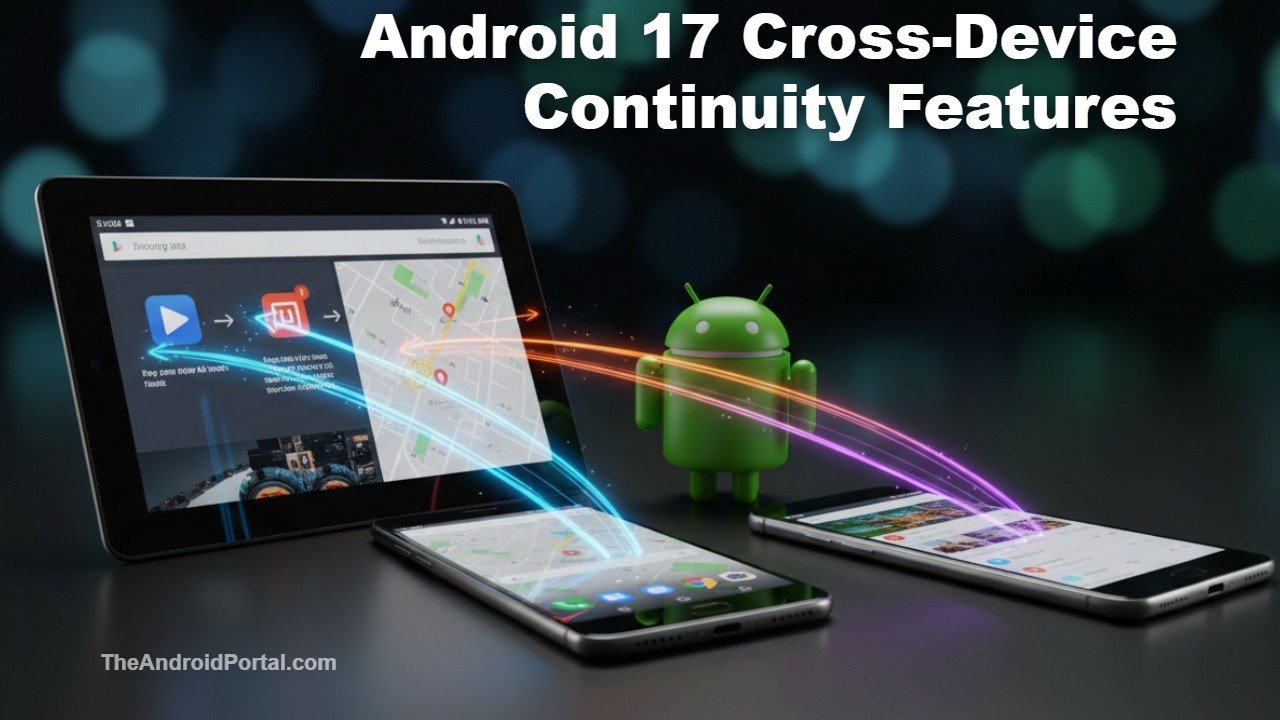
What Is Android 17 Cross-Device Continuity?
At its core, Android 17 cross-device continuity enables seamless activity transfer between devices signed into the same Google account and located nearby. If you begin drafting a note, browsing a webpage, or filling out a document on your phone, the system can surface that same activity on another device — ready to resume.
Google has built this feature into the system layer, meaning it integrates directly with:
- The launcher
- The taskbar
- System UI entry points
If the same app is installed on the second device, Android can deep-link directly into that app and restore the exact activity state. That means you don’t simply reopen the app — you pick up precisely where you left off.
App-to-Web Fallback for Broader Compatibility
One of the most practical elements of Android 17 cross-device continuity is its fallback mechanism. If the receiving device does not have the native app installed, the system can transition the session via a web-based handoff using a supported URL.
This app-to-web continuity ensures broader compatibility across form factors, especially when moving between an Android phone and a Chromebook or desktop browser.
How It Works Behind the Scenes
From a developer perspective, Android 17 cross-device continuity operates on a per-activity basis. Developers must explicitly enable support for each activity using a dedicated method call. They can also pass state data to ensure that the receiving device recreates the session accurately.
Google provides a callback mechanism that allows apps to define how the activity should be handled when transferred. This developer-level control suggests Google wants robust ecosystem adoption rather than surface-level integration.
Because it’s implemented at the system level, the feature operates quietly in the background. Users won’t need to manually sync sessions — eligible activities will appear automatically in system areas when devices are nearby.
Android vs Apple: The Ecosystem Battle
This feature inevitably invites comparisons to Apple long-standing Handoff system across iPhone, iPad, and Mac. Apple’s approach surfaces a continuation icon in the Dock or App Switcher when devices are in proximity and signed into the same account.
However, Android 17 cross-device continuity introduces some flexibility that may benefit the broader Android ecosystem:
- Native app deep-linking when available
- Web fallback for unsupported apps
- Compatibility across phones, tablets, and Chromebooks
- Open developer API for wider adoption
Unlike Apple’s tightly controlled hardware environment, Android must operate across multiple OEMs including Samsung, Pixel, and other Android manufacturers. If widely adopted, this feature could significantly strengthen Android’s cross-device story.
Why This Matters for Pixel and Chromebook Users
For Pixel owners in particular, Android 17 cross-device continuity reinforces Google’s ecosystem strategy. Moving between a Pixel phone and a Pixel Tablet or Chromebook could soon feel more fluid, especially when combined with features like Phone Hub and cross-device notifications.
As Android 17 continues to evolve in beta, Google appears focused on improving ecosystem cohesion — something that has historically been considered a strength of Apple’s platform.
This update also aligns with broader Android ecosystem enhancements rolling out through Play System updates and feature drops.
What Devices Support It?
Android 17 cross-device continuity is currently available in Android 17 beta 1. As with previous Android releases, Pixel devices enrolled in the beta program are among the first to gain access.
Wider rollout will depend on OEM adoption once the stable version of Android 17 launches later this year.
The Bigger Picture: Android’s Ecosystem Push
Android has steadily improved cross-device syncing through features like Nearby Share, Fast Pair, and Chromebook integration. With Android 17 cross-device continuity, Google is clearly moving toward deeper session-level integration rather than simple file or notification syncing.
If developers embrace the API and major manufacturers adopt it broadly, this could become one of the most meaningful Android ecosystem upgrades in recent years.
For official technical documentation and developer implementation details, Google’s Android Developers portal provides additional resources on the feature rollout.
