

Android 17 Beta 1 Now Live for Pixel Devices
Android 17 Beta 1 is officially live, giving Pixel users an early look at Google’s next major Android release. The first public beta marks an important milestone in the Android 17 development cycle, opening the doors for testers to explore UI refinements, large-screen optimizations, and system-level improvements ahead of the stable rollout later this year.
As expected, this release is primarily available for eligible Pixel devices, reinforcing Google’s strategy of prioritizing its own hardware ecosystem for early access software testing.
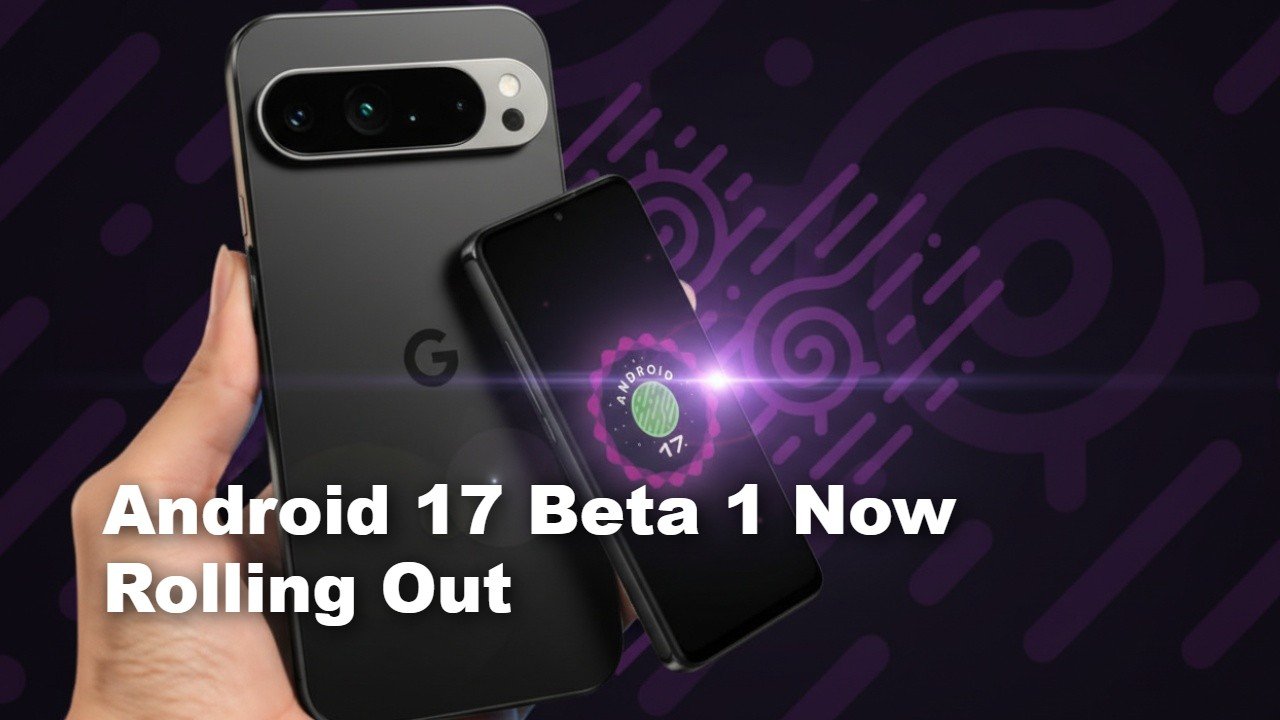
Android 17 Beta 1: Eligible Devices and Availability
The Android 17 Beta 1 program is limited to supported Pixel smartphones enrolled via Google Android Beta portal. Currently eligible models include:
- Pixel 6 series and newer
- Pixel 7 lineup
- Pixel 8 lineup
- Pixel 9 series
- Pixel 10 Pro Fold
At this stage, no third-party OEM devices — including Samsung, OnePlus, or Motorola — are included in the beta initiative. That’s consistent with previous Android beta rollouts, where Google’s Pixel devices serve as the primary test bed.
It’s important to note that Android 17 Beta 1 is not a stable release. While suitable for daily use for some users, beta builds may include bugs, app compatibility issues, and performance inconsistencies.
A Cleaner, More Responsive User Interface
The most visible changes in Android 17 Beta 1 focus on UI refinement rather than dramatic redesign.
Pixel Launcher Adjustments
Google has streamlined the Pixel Launcher experience:
- Slimmed-down search bar on the home screen
- Option to hide the “At a Glance” widget
- Cleaner visual spacing
These subtle tweaks create a more minimal aesthetic and free up usable screen space — especially valuable on smaller displays.
Settings and System Controls
The Settings app also receives minor structural adjustments:
- More compact menu layout
- Newly added volume overflow button
- Repositioned brightness icon
These aren’t headline-grabbing changes, but collectively they improve navigation fluidity and reduce visual clutter. Google appears focused on enhancing responsiveness and interaction flow rather than introducing disruptive design overhauls.
Orientation and Resizability Improvements for Large Screens
One of the more technically significant updates in Android 17 Beta 1 involves large-screen device behavior.
Google has removed developer opt-outs for orientation and resizability restrictions on devices with screens wider than 600dp. In practical terms, that means:
- Apps can no longer remain permanently locked in portrait mode on large displays
- UI elements will better adapt to landscape and expanded layouts
- Multitasking on foldables and tablets should feel more natural
This change signals Google’s continued investment in optimizing Android for foldables, tablets, and potentially laptops.
For instance, devices like the Pixel Tablet and foldables in the Pixel lineup stand to benefit significantly from more flexible app behavior. It also hints at preparation for Google’s rumored large-screen initiatives under its broader platform ambitions.
Developers targeting API level 37 will need to ensure their apps behave dynamically across screen sizes, aligning with Google’s push toward adaptive UI standards.
Form Handling and Rotation Improvements
Another user-friendly enhancement in Android 17 Beta 1 addresses a common frustration: screen rotation mid-task.
Previously, rotating a device while filling out forms or interacting with certain apps could reset progress. In the latest beta:
- App state retention during rotation has improved
- Form inputs are less likely to reset
- Interaction continuity feels smoother
While subtle, this refinement improves day-to-day usability and reduces friction during multitasking scenarios.
What’s Missing (For Now)
Unlike major platform jumps in previous years, Android 17 Beta 1 does not introduce sweeping new visual design languages or radical feature additions. Instead, it focuses on:
- Stability groundwork
- Large-screen adaptation
- UI polish
- Developer infrastructure updates
Google traditionally layers more features into subsequent beta releases, so Beta 2 and Beta 3 may introduce more noticeable user-facing enhancements.
Should You Install Android 17 Beta 1?
Installing Android 17 Beta 1 makes sense if:
- You’re a developer testing app compatibility
- You want early access to new Android builds
- You use a secondary Pixel device
It may not be ideal for users relying on their phone for mission-critical tasks, given the potential for instability.
If you’re following our Android 17 coverage hub on TheAndroidPortal, this release marks the beginning of broader feature tracking and device compatibility analysis ahead of the stable launch.
Final Thoughts
Android 17 Beta 1 may not be packed with flashy features, but it lays important groundwork for the future of Android across smartphones, foldables, and large-screen devices. Google’s emphasis on UI refinement and adaptive design suggests a long-term strategy focused on ecosystem consistency rather than cosmetic reinvention.
As additional beta builds roll out, expect deeper feature reveals and more developer-focused changes.
